


 Leider ist Ihr Warenkorb leer.


 Rückgabe
 Chatten Sie mit Uns
 Über Uns
 Meine Befehle

 Twitter
 LinkedIn
 Meta
Meta

 138,54 $
515,84 $
138,54 $
515,84 $

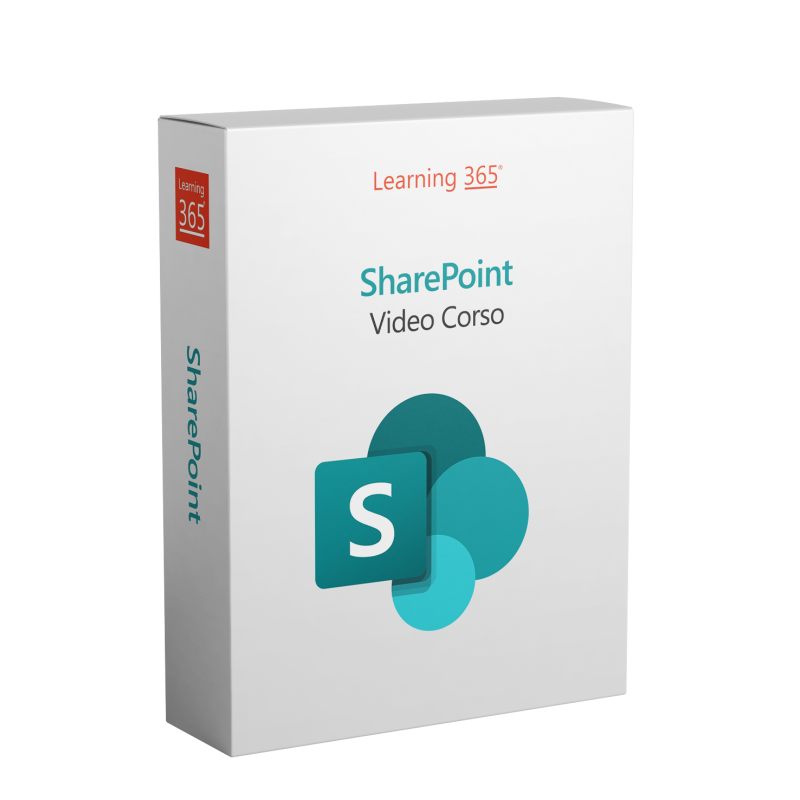
Understand how SharePoint works to create business sites, store and organize documents, automate workflows, and collaborate in a structured way with your team, leveraging integration with other Microsoft tools.
 What is SharePoint and how to use it
Create a team site
Manage document libraries
 Livello: Complete
 Video totali: 11
 Durata del corso: 1 hour 23 minutes
 Lingue: Italian
 12 months unlimited access
 Progress dashboard
 Test and certificate for your CV
 AI tutor (optional)
The Microsoft SharePoint Video Course offered by Learning365® exclusively with Mr Key Shop is the ideal training course for those who want to learn how to create, manage, and organize collaborative business sites using SharePoint (classic version). With 11 video lessons totaling 1 hour and 23 minutes, you will learn the fundamental and advanced features of the tool in a clear, practical, and immediately applicable way in the workplace.
Learning365® is an eLearning solution designed for the continuous digital training of corporate teams, with specific courses on SharePoint, Planner, Teams and Microsoft OneDrive for Business. Lessons are available 24/7 on demand, divided into short modules that can be easily accessed from smartphones or tablets. Each participant has the option of activating the optional AI Smart Tutor, which accompanies their studies with immediate, personalised responses. The entire training programme can be viewed in a centralised monitoring dashboard, which allows you to analyse usage data, export statistics and improve the management of internal training.
This course is designed to provide you with the skills to work efficiently with Microsoft SharePoint in the classic version, leveraging all its key features for content management, site management, and online collaboration. By the end of the course, you will be able to:
The course consists of 11 video lessons totaling 1 hour and 23 minutes, divided into thematic modules. The short training videos range from basic to advanced and accompany you with practical examples, explanatory animations, and guided exercises. The contents include:
At the end of the lessons, you can take a final test to check the skills you have acquired. All activities are tracked and made available in a personal dashboard showing your progress.
The SharePoint course is suitable for:
After completing the final quiz, you will receive a personal certificate applicable for professional use, continuing education, internal reporting, or individual training records.
The Learning365® team offers free technical and educational support in English. The course can be purchased directly on their platform securely and immediately.
During the course, you can activate the Intelligent AI Tutor, a virtual assistant that answers your questions about the course content in real time. It's a way to learn more, clarify doubts, or receive additional explanations without interrupting your study.
Was ist der Unterschied zwischen dem klassischen und dem modernen SharePoint?
Der Kurs konzentriert sich auf die klassische Version, die für Organisationen nützlich ist, die sie noch verwenden oder deren Funktionen sie für zukünftige Migrationen verstehen möchten.
Benötige ich eine aktive Microsoft 365-Lizenz?
Das ist nicht zwingend erforderlich, aber um das Gelernte in die Praxis umzusetzen, ist es hilfreich, Zugang zu einer aktiven SharePoint-Plattform zu haben. Bei Bedarf können Sie im Mr Key Shop ein Abonnement für Microsoft 365 zu günstigen Preisen erwerben.
Enthält der Kurs reale Beispiele für Websites oder Dokumentensammlungen?
Ja, die Lektionen umfassen praktische Demonstrationen, die in gängigen Unternehmenskontexten simuliert werden.
Kann ich SharePoint auch nutzen, wenn ich alleine arbeite?
Ja, SharePoint kann auch für die Verwaltung persönlicher Inhalte und die Organisation von Dokumenten nützlich sein, aber seine größte Stärke liegt in der Zusammenarbeit.
Ist die Abschlussprüfung obligatorisch?
Nein, aber sie ist erforderlich, wenn Sie das offizielle Namenszertifikat erhalten möchten.
Ist es möglich, vor dem Kauf eine Demo anzufordern?
Ja, Sie können diese direkt auf der Website von Learning365® anfordern.


 138,54 $
515,84 $
138,54 $
515,84 $
 94,85 $
133,21 $
94,85 $
133,21 $


 Chatten Sie mit uns
 Ita
Ita
 Eng
Eng
 Deu
Deu
 Esp
Esp
 Fra
Fra