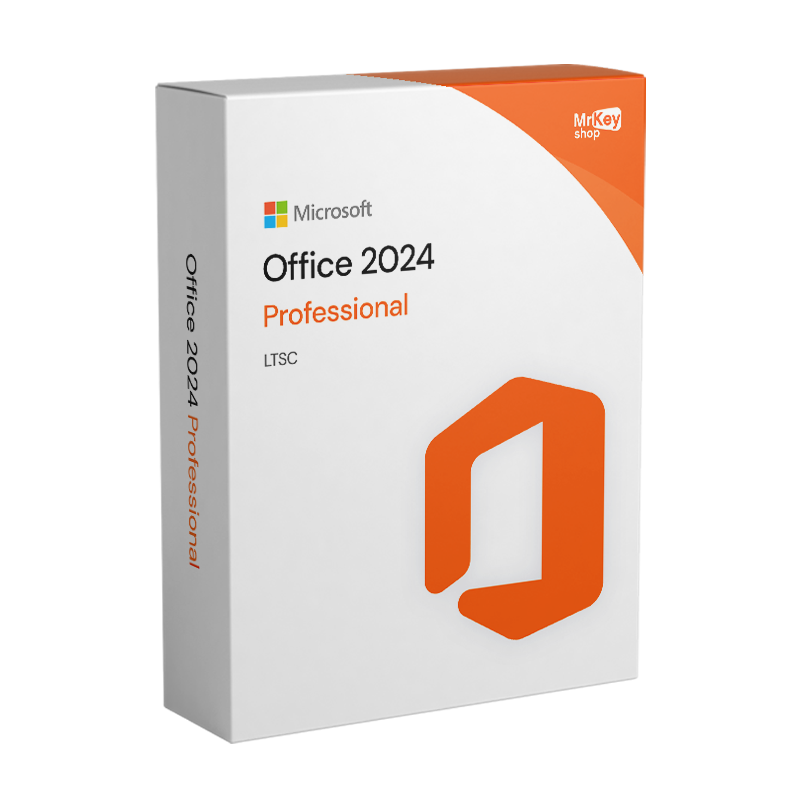
Office 2024 Professional - Product Key
Other sellers on Mr Key Shop
Mr Key Shop is a Microsoft Certified Partner
Buy Microsoft Office 2024 Professional and save with Mr Key Shop. 100% genuine and guaranteed license, real-time delivery, protected and tracked transactions, free technical support in English
Important Note:If this version of the software is not available at the time of purchase, you will be provided with the higher version, Professional Plus, at no additional cost. |
Office 2024 Professional - Purchase a license of the most comprehensive Office 2024 package
Microsoft Office 2024 Professional is the productivity suite designed for advanced users and professionals who want to maximize their work efficiency. This version offers advanced tools for managing documents, data and communications, with major improvements in performance and security. With its comprehensive functionality, it is the ideal solution for those seeking reliability and versatility in a single suite.
Office 2024 Professional is fully compatible with all the available versions of Windows 11 and Windows 10. By purchasing on Mr Key Shop, you can get a 100% genuine and guaranteed product key, with significant savings compared to other platforms, thanks to our competitive prices.
Key features of Office 2024 Professional
- Performance Optimization: Improved loading times and file handling, even for large or complex documents.
- Enhanced Security: Enhanced protection against digital threats with new encryption and data management tools.
- Enhanced Accessibility: New features to make documents more accessible, with advanced correction tools and accessibility tips.
Apps included in an Office 2024 Professional license
- Word 2024: A comprehensive tool for creating and editing text documents.
- Excel 2024: Ideal for data analysis and management, with advanced features for complex calculations.
- PowerPoint 2024: Perfect for creating engaging and dynamic presentations.
- Outlook 2024: For efficient management of email, contacts and calendars.
- OneNote 2024: Allows you to take notes and organize ideas in a convenient way.
- Access 2024: Powerful for creating and managing databases, ideal for organizing large amounts of information.
NB: Microsoft Teams is not preinstalled but can be downloaded separately.
The benefits of purchasing an Office 2024 Professional product key from Mr Key Shop
Buying your Office 2024 Professional product key at Mr Key Shop means you can trust over 18 years of experience in the industry, with thousands of satisfied customers and excellent reviews on Trustpilot. Mr Key Shop boasts the prestigious Trusted Shops quality certification, which offers an additional security guarantee: on every order, you can claim a warranty with an extra refund of up to 2,500 euros. Your transactions are always secure with trusted payment methods such as PayPal, Klarna, Stripe, and Amazon, Apple, and Google Pay services, in addition to traditional credit and debit cards. In addition, delivery of your product key is immediate, directly via email, and backed by a money back guarantee. If you need help, our team offers free technical support in English.
Mr Key Shop's catalog is extensive and allows you to save up to 70 percent compared to official prices. In addition to Office 2024 Professional, you can explore other solutions such as Windows 11 Pro, Bitdefender Antivirus, NordVPN, disk partition software, AutoCAD, and Windows Server to complete your technology setup. In addition, by choosing Mr Key Shop you are making an eco-friendly choice. We are a 100% eco-friendly company: all our products are distributed digitally, reducing our environmental impact and contributing to a cleaner world.
What do I get when I purchase an Office 2024 Professional product key from Mr Key Shop?
- Your 100% genuine and guaranteed license of Office 2024 Professional
- Complete instructions on the setup process
- Secure download link
- Invoice
- Access to free technical support in English
Other products available in the Mr Key Shop catalog
Windows Operating Systems: Windows 11 - Windows 10 - Windows 8 - Windows 7
Microsoft Office packages: Office 2024 - Office 2021 - Office 2019 - Office 2016 - Office 2013 - Office 2010 - Office for MAC - Microsoft 365 - Office App - Visual Studio - Project - Access - Visio - Outlook - Word - Excel - PowerPoint
Antivirus: Kaspersky - ESET - McAfee - Avast -Bitdefender - Norton - AVG - Acronis - Surfshark- IObit - Watchdog - Panda - Server Antivirus
VPN: HMA VPN - NordVPN - Surfshark - Cyberghost
Microsoft Server: Server 2025 - Server 2022 - Server 2019 - Server 2016 - Server 2012 - Storage Server 2016 - Storage Server 2012 - Server CAL - RDS CAL Server - SQL Server
Utilities: PDF converters - Disk Cleanup - Data Management - Screen Recorder - Invoicing Software - Backup Software - Data Recovery - Disk Partitioning - Deployment - 3D Modeling - Remote Desktop - Editing -Video Converter - Virtualization - Graphics
CAD: Autodesk - ZWSOFT – Rhino 3D - Ashampoo
Bundle: Software for Creators - Software for Gamers - Software for the Family - Software for Smart Working - Software Bundle for SMEs & Startups - Software bundle for students
Are you a reseller? Join MKreseller
Take your business to the next level with a solid and recognized partner in the original software licensing industry. With Mr Key Shop, you get access to exclusive price lists for resellers, special terms, and free professional support for you and your customers.
What's more, with MrKeyWallet, you can get extra credits on every top-up and further increase your margins: the more you invest, the more you earn. A system designed for those who really want to scale up.
Join the MKreseller programnow and discover all the benefits reserved for partners.
System requirements for Office 2024 Professional
| Operating System: | Windows 10 or Windows 11 |
| Processor: | At least 1.6GHz or faster, dual-core |
| RAM: | 4GB RAM for 64-bit versions, 2GB RAM for 32-bit versions |
| Disk Space: | 4GB of available disk space |
| Screen Resolution: | 1280x768 |
| Graphics: | Compatible with DirectX 9 or higher with WDDM 2.0 or later for Windows 10 |
| Internet Connection: | Required for product activation |
Download Office 2024 Professional immediately after purchase
Thanks to Mr Key Shop, you can download Office 2024 Professional to your computer without any downtime. In fact, you receive everything you need to proceed directly via email upon completion of your purchase: your Office 2024 Professional product key, 100% genuine and guaranteed, secure download link to activate your license, and simple yet comprehensive instructions to complete the setup on your own.
Installing Office 2024 Professional is quick and easy with Mr Key Shop
Installing Office 2024 Professional takes just a few clicks and is repeatable whenever you need it, such as after a format. In fact, the download will be forever linked to your Microsoft account and you can download and install your suite in a few simple steps. Remember that if you have any doubts, questions or problems, you can always count on our free technical support in English.
How to activate Office 2024 Professional with a product key
To activate the Office 2024 Professional product key:
- After installing Office 2024 Professional, open one of the Office applications, such as Word, Excel, or PowerPoint.
- The first time you do this, a window may appear asking you to enter your product key. Enter the key exactly as it appears, including the hyphens.
- If the window does not appear automatically, go to the "File" menu in the upper left corner and click on "Account".
- In this section, you’ll find the option to activate the product or change the product key. Click on this option and enter your key.
- Follow the on-screen instructions to complete the activation.
- Once activated, close and reopen the application to ensure everything is properly configured.
- You have now successfully installed and activated Office 2024 Professional using a digital license. You can start using all the advanced features in the suite to boost your productivity and creativity.
How to verify that your Office 2024 Professional license is properly activated
To verify that your Office 2024 Professional license has been properly activated, follow these simple steps:
- Open an Office app (for example, Word, Excel, or PowerPoint).
- Click on File in the top left menu.
- Select Account (or About depending on your version).
- In the Product Information section, check the status of your license. If Office has been successfully activated, you will see the words "Product Activated" next to the product name.
- If the license does not appear activated, you will be asked to log in with your Microsoft account or re-enter the product key.
In case of problems, you can always consult the free technical support provided by Mr Key Shop.
Frequently asked questions about Office 2024 Professional
- Can I transfer Office 2024 Professional to another PC? Yes, you can transfer your Office 2024 Professional license to another device, as long as you first remove it from the original computer and activate the license on the new device using the same Microsoft account.
- Is an Internet connection required to use Office 2024 Professional? Although a continuous Internet connection is not required to use Office 2024 Professional, you will need to connect online to activate the product initially.
- How can I reinstall Office 2024 Professional if I switch devices? If you need to reinstall Office 2024 Professional on a new device, you can do so by logging into your Microsoft account. After removing the installation from the old device, go to setup.office.com, log in with your account, and download Office again using the original product key.
- Can I use my Microsoft 365 account with Office 2024 Professional? You can use your Microsoft account to access Office 2024 Professional, but you will not have access to the cloud and advanced collaboration features offered with your Microsoft 365 subscription.
- Does Office 2024 Professional support automatic file saving? Office 2024 Professional includes an automatic document restore feature, which allows you to recover unsaved work in case of crashes, but it does not support continuous automatic saving as in Microsoft 365.