


 Unfortunately your shopping cart is empty


 Returns
 Chat with Us
 About Us
 My Orders

 Twitter
 LinkedIn
 Meta
Meta



 €78.99
€124.99
€78.99
€124.99

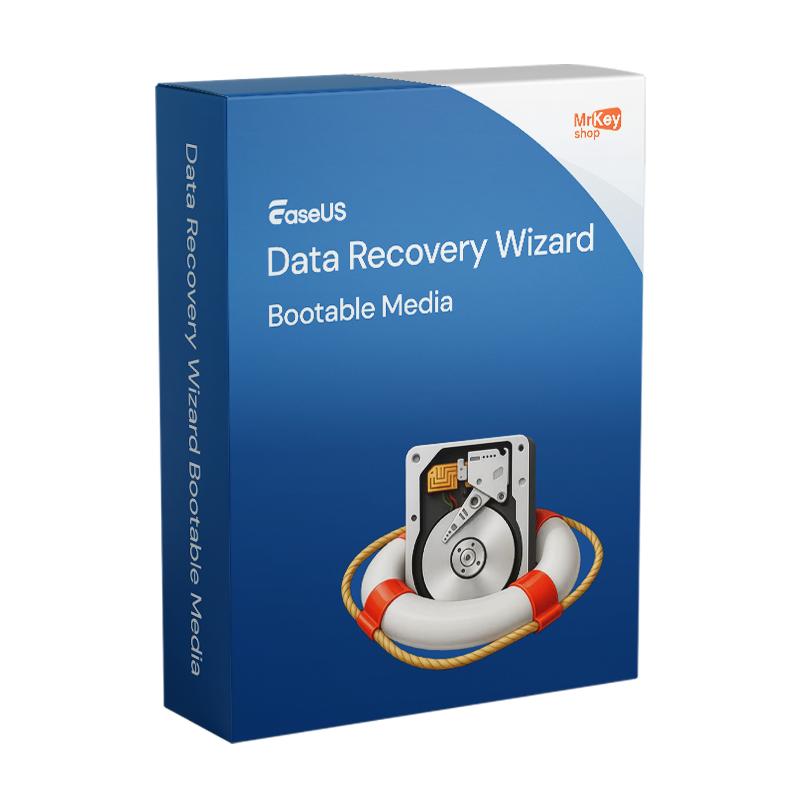






Purchasing a licence for EaseUS Data Recovery Wizard Bootable Media addresses a specific and critical scenario: your PC won’t start any more. Blue screen, black screen, endless restart loop, system crash following a failed Windows update, a malware infection that has corrupted the boot files, a sudden failure of the system drive – situations in which the data is still physically present on the drive but inaccessible because the operating system cannot boot. The standard Pro version of EaseUS requires a functioning Windows installation to run: if Windows won’t start, the software cannot be run. Bootable Media resolves this limitation by creating bootable media – a USB stick or CD/DVD – containing a Windows Pre-installation Environment (WinPE): a lightweight, standalone operating system that boots the PC regardless of the state of the Windows installation on the hard drive. Once the PC has booted from the WinPE media, the EaseUS recovery software is loaded directly from the USB stick and can scan the internal hard drive, locate lost files and recover them, without needing to reinstall Windows and without needing to install any software on the system being recovered.
The operational advantage of WinPE mode over recovery within a functioning Windows system goes beyond mere accessibility in the event of a crash. When working from within Windows to recover files from the system drive – the C: drive where the operating system resides – the system itself continuously generates temporary files on that drive: every Windows operation writes data to the drive, risking the overwriting of precisely the files you are trying to recover. Initiating recovery from the WinPE environment completely eliminates this problem: no Windows processes write to the drive being scanned, the scan takes place in full read-only mode, and the risk of overwriting is eliminated. This makes Bootable Media the ideal tool for recovering files from the system drive (C:) even on fully functional PCs, when maximum recovery safety takes priority over convenience. The bootable media can be created on a USB stick, CD or DVD and reused on multiple PCs. All common types of data loss are supported: accidental deletion, formatting, lost or damaged partitions, virus attacks and hardware failures. Supported devices include HDDs, SSDs, USB sticks, SD cards and external hard drives. Supported file systems include NTFS, FAT/FAT32, exFAT, ReFS and others. The number of recoverable file formats exceeds 1,000 types.
|
Feature |
Details |
|
Product |
EaseUS Data Recovery Wizard Bootable Media |
|
Developer |
EaseUS Software Co., Ltd. |
|
Licence type |
Subscription |
|
Supported operating systems |
Windows 11/10/8.1/8/7; boots via WinPE regardless of the installed operating system |
|
PCs covered |
1 device per licence |
|
Bootable media |
USB stick, CD or DVD; creation wizard within the software |
|
Boot environment |
WinPE (Windows Pre-installation Environment), independent of the installed version of Windows |
|
Recovery without Windows running |
Yes, works on PCs with crashes, blue/black screens, or reboot loops |
|
Read-only mode |
Yes, no writing to the drive being recovered during the scan |
|
Quick and deep scan |
Yes, quick scan for recent deletions, deep sector-by-sector scan |
|
Pre-recovery preview |
Yes, verification of found files before recovery |
|
Supported devices |
HDDs, SSDs, USB sticks, SD cards, external hard drives |
|
Supported file systems |
NTFS, FAT/FAT32, exFAT, ReFS and others |
|
File formats |
Over 1,000: photos, documents, videos, audio, archives, emails |
|
Windows reinstallation |
Not required; recovery takes place before and independently of reinstallation |
At Mr Key Shop, every licence is genuine and guaranteed: buying EaseUS Data Recovery Wizard Bootable Media means receiving an original product key directly via email, with no physical delivery or waiting times. Buy, receive and prepare your emergency recovery media straight away, before you need it. Payments are processed via a secure SSL connection using PayPal (including interest-free instalments in 3 payments), Stripe, Amazon Pay, Apple Pay, Google Pay, and credit and debit cards. The WinPE emergency USB stick is most useful when prepared in advance: you cannot create bootable media on a PC that no longer boots. For the Windows machine on which you create the media, the Windows 11 Pro licence ensures the most up-to-date base. Those maintaining established systems will find the Windows 10 Pro product key a stable platform. For preventative system backups before a crash occurs, the natural complement to Bootable Media is AOMEI Backupper Workstation ensures system snapshots that can be restored in a matter of minutes. For office productivity on the same workstation, the suite Office 2024 Home & Business covers Word, Excel, PowerPoint and Outlook with a perpetual licence. Those who prefer apps that are always up to date with cloud storage will find the subscription Microsoft 365 Personal the ideal solution with integrated OneDrive. To protect your browsing and prevent malware infections that can cause system crashes, CyberGhost VPN encrypts traffic across all devices. For managing PDFs of technical documentation and recovery reports, Swifdoo PDF covers conversion and annotation. For system cleaning after recovery and the removal of software residues, CCleaner Professional keeps your PC in top condition. For IT professionals managing CAD workstations, the licence AutoCAD Commercial is available from the same store.
Take your business to the next level with a solid and recognized partner in the original software licensing industry. With Mr Key Shop, you get access to exclusive price lists for resellers, special terms, and free professional support for you and your customers.
What's more, with MrKeyWallet, you can get extra credits on every top-up and further increase your margins: the more you invest, the more you earn. A system designed for those who really want to scale up.
Join the MKreseller programnow and discover all the benefits reserved for partners.
|
Component |
Requirement |
|
PC for media creation |
Functioning Windows 11/10/8.1/8/7 to create the bootable media |
|
Recovery PC |
Any Windows PC capable of booting from USB/CD/DVD (configurable via BIOS) |
|
Media required for creation |
USB stick with at least 2 GB capacity (recommended) or blank CD/DVD |
|
Supported file systems |
NTFS, FAT/FAT32, exFAT, ReFS and others |
|
Internet connection |
Required for activation and to download the WinPE environment |
|
Important note |
Create the emergency bootable media on a working PC |
Once you have received the licence code via email from Mr Key Shop, download EaseUS Data Recovery Wizard onto a working Windows PC and enter the activation code during setup. From the main screen, select the option to create bootable media: insert a blank USB stick with at least 2 GB of storage (or a blank CD/DVD), select the media and click ‘Proceed’. The software automatically downloads and configures the WinPE environment and writes it to the media. Once complete, you’ll have a USB stick ready to boot any Windows PC in an emergency. Keep it in a safe and accessible place: it’s the tool to use when your PC won’t start up.
Once you have installed EaseUS Bootable Media onto a compatible storage device, you can use it when your PC no longer boots. Insert the EaseUS WinPE USB stick and boot the computer from the USB device: access the PC’s BIOS/UEFI (usually by pressing F2, F12, DEL or ESC at start-up) and set the USB stick as the first boot device. The system will boot into the WinPE environment with the EaseUS Data Recovery Wizard interface already loaded. Select the PC’s internal hard drive as the scan source, run the quick scan followed by the deep scan, identify the files to be recovered using the pre-recovery preview, and save the recovered files to a separate external drive. Never save recovered files to the same drive you are scanning.
Activation is carried out by entering the licence code received via email on the software’s registration screen whilst installing it on a functioning Windows PC, before creating the bootable media. The licence unlocks unlimited recovery within the WinPE environment: without an active licence, the software operates in limited mode. The code is embedded in the bootable media created and remains active during WinPE recovery sessions.


 €78.99
€124.99
€78.99
€124.99
 €279.99
€299.99
€279.99
€299.99
 €79.99
€191.99
€79.99
€191.99
 €109.99
€483.99
€109.99
€483.99


 Chat with us
 Ita
Ita
 Eng
Eng
 Deu
Deu
 Esp
Esp
 Fra
Fra