


 Unfortunately your shopping cart is empty


 Returns
 Chat with Us
 About Us
 My Orders

 Twitter
 LinkedIn
 Meta
Meta



 $94.85
$266.44
$94.85
$266.44

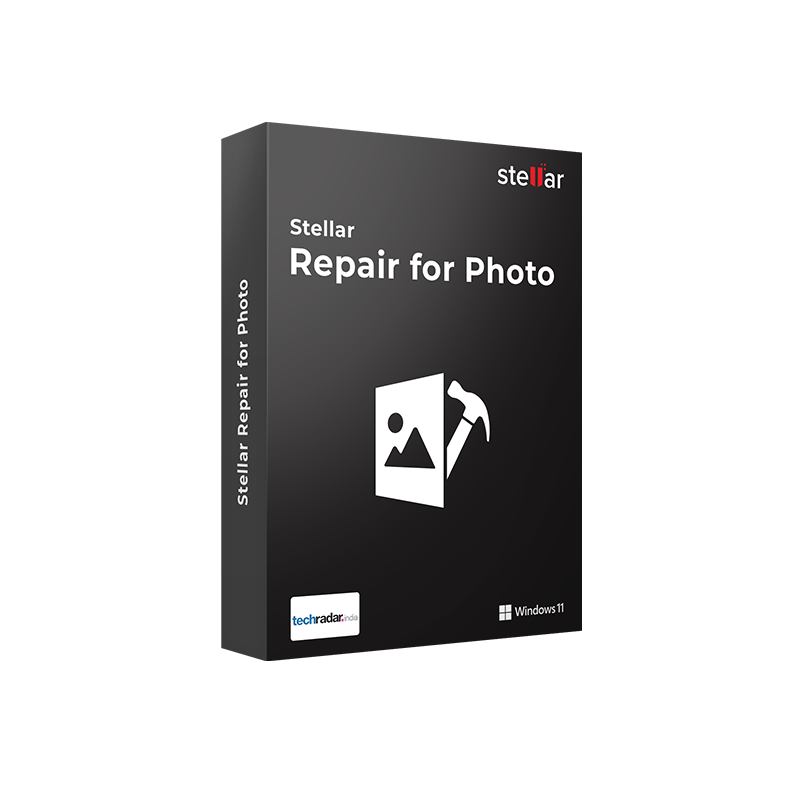






|
Delivery Information The Stellar Repair for Photo Standard for Windows product key will be delivered via email within 6/12 hours after purchase, along with complete instructions for download and activation. |
Here’s why you should consider purchasing a Stellar Repair for Photo Standard license.
Losing a photo is one thing. Having it there, on your disk, SD card, or archive, but not being able to open it is another. A power interruption during transfer. An SD card removed too early from the camera. A RAW file suddenly rejected by editing software. A JPEG that opens partially, showing only half the image or a mosaic of colored artifacts. The data is there, the photo technically exists, but the file is corrupted and unusable. Stellar Repair for Photo Standard for Windows is the specific tool for this scenario: it doesn’t recover deleted files, it repairs corrupted files that are still present on the device.
Stellar Repair for Photo is a tool dedicated exclusively to repairing damaged images on Windows. It supports JPEG, TIFF, HEIC, DNG, and over 15 RAW formats from major digital and mirrorless camera brands such as Nikon, Canon, Sony, Fujifilm, Olympus, Pentax, Panasonic, and Konica Minolta. It repairs an unlimited number of files simultaneously, even in different formats, shows a preview of the result before saving, and extracts thumbnails even from severely damaged photos. Compatible with Windows 7, 8, 8.1, 10, and 11.
|
Area |
Features |
|
JPEG/standard formats |
Repairs JPEG, JPG, MXPEG, TIFF, HEIC (iPhone and Android) |
|
Camera RAW formats |
Repairs ARW, CR2, CR3, CRW, DNG, ERF, MRW, NEF, NRW, ORF, PEF, RAF, SR2, SRF, RW2, covering all major DSLR and mirrorless brands |
|
Types of repairable corruption |
Damaged header, invalid file structure, corrupted raster data, missing SOS marker, blurred, pixelated, darkened, partially black, or inaccessible images |
|
Unlimited batch repair |
Simultaneous repair of an unlimited number of photos, even in different formats, in a single process |
|
Preview before saving |
Preview repaired files before saving to verify quality |
|
Thumbnail recovery |
Extracts and repairs thumbnails even from severely corrupted photos, saved in a separate folder |
|
Supported devices |
Internal/external HDDs, SSDs, SD cards, memory sticks, USB drives, drones, DSLRs, Android smartphones, and iPhones |
|
Save options |
Save to original location or any chosen destination; thumbnails saved in a separate folder |
|
Interface |
Three-step guided process (Add → Repair → Save), accessible even to non-technical users |
|
Free trial |
Repair and preview files for free; activation key required only to save repaired files |
Mr Key Shop is an authorized reseller of original software licenses with digital delivery. The Stellar Repair for Photo Standard for Windows activation key is delivered via email within 6/12 hours after purchase, with complete instructions for download and activation. Secure payments via PayPal (also in 3 installments), Stripe, Amazon Pay, Apple Pay, Google Pay, and credit/debit cards, all protected by SSL encryption. Mr Key Shop is Trusted Shops certified with an “Excellent” rating on Trustpilot, with purchase protection up to €2,500.
Stellar Repair for Photo Standard runs on Windows and performs best on a stable and up-to-date operating system. The Windows 11 Pro license provides the latest platform with optimizations for handling large files such as high-resolution RAW images. For systems still running Windows 10, the Windows 10 Pro product key ensures full compatibility with all available versions of Stellar Repair for Photo. Users managing photo archives alongside work documents will find the Office 2024 Standard license a natural complement for Word, Excel, and PowerPoint on the same workstation. For multi-device workflows, the Microsoft 365 Family subscription adds up-to-date Office apps for up to 6 users with 1 TB of OneDrive each, ideal cloud storage for repaired photos. CyberGhost VPN secures connections on public networks when transferring high-value image files. AWZ Screen Recorder Pro is the tool for documenting photography workflows or creating post-production tutorials on Windows. Nitro PDF offers conversion, editing, and digital signing for reports, catalogs, and contracts. Technical professionals combining photography with design workflows will find in AutoCAD LT Commercial the tool for technical documentation and DWG drawings, files to archive alongside photographic content. Every purchase on Mr Key Shop is 100% digital: no shipping, no packaging, just delivery via email.
Take your business to the next level with a solid and recognized partner in the original software licensing industry. With Mr Key Shop, you get access to exclusive price lists for resellers, special terms, and free professional support for you and your customers.
What's more, with MrKeyWallet, you can get extra credits on every top-up and further increase your margins: the more you invest, the more you earn. A system designed for those who really want to scale up.
Join the MKreseller programnow and discover all the benefits reserved for partners.
|
Requirement |
Specifications |
|
Operating system |
Windows 11, Windows 10, Windows 8.1, Windows 8, Windows 7 |
|
Processor |
1 GHz or higher, Intel-compatible (x86, x64) |
|
RAM |
2 GB minimum (4 GB recommended) |
|
Disk space |
250 MB for installation; additional space for repaired files |
|
Screen resolution |
1024×768 minimum |
|
Internet connection |
Required for code activation and updates |
|
Notes |
Repaired RAW files are saved in JPEG format. The trial version allows free repair and preview; the activation code is required only to save the repaired files |
After purchasing from Mr Key Shop, you will receive the Stellar Repair for Photo Standard for Windows activation code via email within 6/12 hours, along with the link for direct download from the official Stellar website. The installation file is lightweight (about 250 MB) and compatible with Windows 7, 8, 8.1, 10, and 11. The free trial version allows you to verify the repair results before activating the subscription.
Download the StellarRepairforPhoto_Setup.exe file, double-click to launch it, and accept any Windows security prompts. In the setup wizard, click Next, accept the license agreement, choose the installation folder, and click Install. Once completed, click Finish. Stellar Repair for Photo will be available in the Start menu and as a desktop shortcut.
Launch the software. Within the application, open the Activation section, paste the activation code received via email, and complete the online verification. In just a few seconds, the subscription is active and you can save all repaired photos to your chosen destination. Keep the code safe: it will be required in case of reinstallation or device change.
Stellar Repair for Photo Standard for Windows is software dedicated exclusively to repairing corrupted or damaged photos on Windows. It repairs JPEG, TIFF, HEIC, DNG, and over 15 RAW formats from major digital cameras, with unlimited batch repair and preview before saving. It does not recover deleted files; it focuses on repairing files that are already present but inaccessible or damaged.
They are two tools with different purposes. Stellar Data Recovery retrieves deleted, lost, or inaccessible files due to formatting, file system corruption, or partition loss. Stellar Repair for Photo repairs photo files that are already present on the device but corrupted and not opening. The two tools complement each other: if a photo has been recovered but is damaged, Stellar Repair for Photo can fix it after recovery.
Nikon (NEF, NRW), Canon (CR2, CR3, CRW), Sony (ARW, SR2, SRF), Fujifilm (RAF), Olympus (ORF), Pentax (PEF), Panasonic (RW2), Konica Minolta (MRW), Epson (ERF), and universal DNG. Repaired RAW files are saved in JPEG format.
Yes. The Standard version supports unlimited batch repair: you can add any number of files, even in different formats, and repair them all in a single process.
Yes. After repair, the software shows a preview of each repaired file. The activation code is required only to save the files; repair and preview are available for free in the trial version.
The Standard version includes all core features: repair of JPEG, TIFF, HEIC, DNG, and all supported RAW formats, batch repair, preview, and thumbnail extraction. The Professional version adds Advanced Repair for severely corrupted JPEG files using a sample file, a feature designed for cases where the standard repair process does not produce satisfactory results.
Advanced Repair is available in the Professional version and uses a sample file—a working photo taken with the same camera as the corrupted file—to reconstruct missing information in heavily damaged JPEG images. It is the last-resort tool for cases where standard repair cannot deliver usable results.
Yes. The software works directly on files stored on an SD card connected to the PC via a reader. If the SD card is not recognized by the operating system, you must first recover the files using data recovery software such as Stellar Data Recovery, and then proceed with repair.
If you need to recover deleted or lost photos, not damaged but missing, you need Stellar Data Recovery, not Stellar Repair for Photo. If your JPEG photos are severely corrupted and standard repair does not produce satisfactory results, consider the Professional version with Advanced Repair using a sample file.
|
Criteria |
Stellar Repair for Photo Standard |
Repairit (Wondershare) |
JPEG Repair Toolkit |
|
Supported RAW formats |
✅ 15+ (all major brands) |
✅ Good coverage |
Limited |
|
HEIC repair |
✅ Yes |
✅ Yes |
❌ |
|
Unlimited batch repair |
✅ Yes |
✅ Yes |
Limited |
|
Preview before saving |
✅ Yes |
✅ Yes |
Partial |
|
Thumbnail recovery |
✅ Yes |
✅ Yes |
❌ |
|
Advanced repair (sample file) |
❌ (Professional) |
✅ Included |
❌ |
|
Free trial with preview |
✅ Yes |
✅ Yes |
Limited |
|
Interface |
✅ Guided, intuitive |
✅ Intuitive |
Technical |


 $298.41
$319.73
$298.41
$319.73



 Chat with us
 Ita
Ita
 Eng
Eng
 Deu
Deu
 Esp
Esp
 Fra
Fra