


 Unfortunately your shopping cart is empty


 Returns
 Chat with Us
 About Us
 My Orders

 Twitter
 LinkedIn
 Meta
Meta



 €78.99
€124.99
€78.99
€124.99

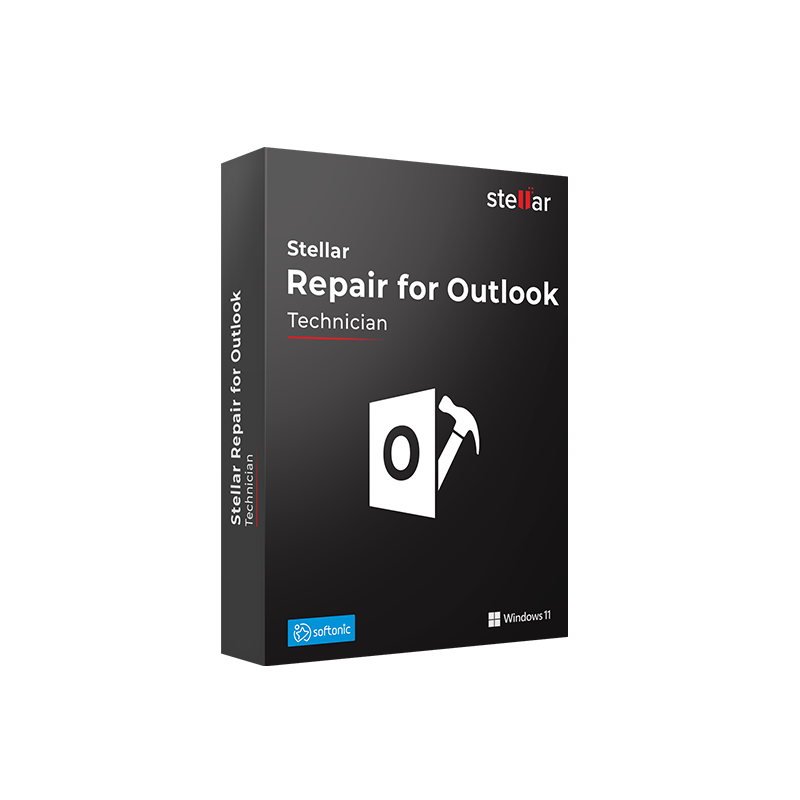






|
Delivery information The Stellar Repair for Outlook Technician product key will be delivered via email within 6/12 hours of purchase, with complete instructions for download and activation. |
Purchase a Stellar Repair for Outlook Technician license to optimize your workflow within your IT infrastructure.
For a single user with a corrupted PST file, the Professional version of Stellar Repair for Outlook is the right tool. But for an IT administrator who must manage dozens of corporate mailboxes, the problems are structurally different: PST files grow until they become too large to be handled reliably by Outlook, they must be split into smaller archives to prevent future corruption, and once repaired they must be migrated directly to Office 365 or Exchange Server, without manual intermediate steps and without interrupting user operations. Stellar Repair for Outlook Technician exists precisely for this scenario.
The Technician version includes everything the Professional version offers—repair of corrupted PST and OST files of any size, recovery of emails, attachments, contacts, calendars, tasks, notes, and journals including deleted items, preview before saving, export in PST/EML/MSG/RTF/HTML/PDF—and adds three exclusive features designed for use in enterprise IT environments: splitting large PST files into smaller and more stable archives, compacting PST files to reduce size by extracting attachments, and direct export of repaired data to Office 365 or a Live Exchange Server without first having to save an intermediate PST file.
|
Area |
Features |
|
Everything in Professional |
Repair of corrupted PST and OST files of any size; recovery of emails, attachments, contacts, calendars, tasks, notes, journals, deleted items; preview before saving; encrypted and password-protected files; export to PST, EML, MSG, RTF, HTML, PDF |
|
Split PST |
Splits large PST files into multiple smaller PST archives, eliminating Outlook performance issues caused by oversized PST files and reducing the risk of future corruption |
|
PST compaction |
Reduces PST file size by extracting attachments, optimizes Outlook performance, and recovers disk space without losing data |
|
Direct export to Office 365 |
Exports repaired data directly into an active Office 365 mailbox, ideal for migrations from local PST files to the cloud without intermediate steps |
|
Direct export to Exchange Server |
Exports repaired data directly to a Live Exchange Server, restoring mailbox operations without intermediate PST files |
|
Large PST file repair |
No size limit, handles PST files from a few MB up to tens of GB without crashes or interruptions |
|
Automatic PST detection |
Automatically locates all PST files in Outlook’s default locations; optional manual search |
|
Deleted item recovery |
Recovers emails and other deleted items from the mailbox |
|
Supported Outlook versions |
Outlook 2003, 2007, 2010, 2013, 2016, 2019, 2021, Microsoft 365 |
|
Windows only |
Compatible with Windows 7, 8, 8.1, 10, 11 |
Mr Key Shop is an authorized reseller of original software licenses with digital delivery. The Stellar Repair for Outlook Technician product key is delivered via email within 6/12 hours of purchase, with complete instructions for download and activation. Secure payments via PayPal (also in 3 installments), Stripe, Amazon Pay, Apple Pay, Google Pay, and credit/debit cards, all with SSL encryption. Mr Key Shop is Trusted Shops certified with an "Excellent" rating on Trustpilot, with purchase protection up to €2,500.
Stellar Repair for Outlook Technician fits into an IT ecosystem that is worth completing with quality tools. The Windows 11 Pro license is the reference platform for modern corporate workstations, with Secure Boot, TPM 2.0, and hardware security features that reduce the risk of PST file corruption. For systems still on Windows 10, the Windows 10 Pro product key ensures full compatibility with all versions of Stellar Repair for Outlook Technician. The Office 2024 Professional Plus license includes Outlook 2024 with the full set of Microsoft business productivity applications, the suite to deploy on user workstations whose mailboxes are managed with Stellar Technician. For Microsoft 365 environments, the Microsoft 365 Business Premium subscription adds Exchange Online, Teams, advanced Microsoft Defender security, and Intune, the cloud infrastructure to which Stellar Repair for Outlook Technician directly exports repaired data. HMA VPN protects IT administrators’ connections on unsecured networks during maintenance and remote migration operations. For those who document IT procedures, create operational manuals in PDF, or manage technical reports, Nitro PDF offers conversion, editing, and digital signing with a lifetime license. For visualization and reporting of data extracted from repaired mailboxes, Power BI Premium is the Microsoft platform for business data analysis and visualization. Technical professionals will find in the Autodesk PDMC Collection Commercial license the Autodesk suite for product design and lifecycle management to complement a well-equipped IT workstation. Every purchase on Mr Key Shop is 100% digital: no shipping, no packaging, only email delivery.
Take your business to the next level with a solid and recognized partner in the original software licensing industry. With Mr Key Shop, you get access to exclusive price lists for resellers, special terms, and free professional support for you and your customers.
What's more, with MrKeyWallet, you can get extra credits on every top-up and further increase your margins: the more you invest, the more you earn. A system designed for those who really want to scale up.
Join the MKreseller programnow and discover all the benefits reserved for partners.
|
Requirement |
Specifications |
|
Operating system |
Windows 11, Windows 10, Windows 8.1, Windows 8, Windows 7 |
|
Processor |
Intel compatible (x86, x64) |
|
RAM |
4 GB minimum (8 GB recommended) |
|
Disk space |
250 MB for installation; additional space for repaired PST files, split archives, and exported data |
|
Microsoft Outlook |
Outlook 2003, 2007, 2010, 2013, 2016, 2019, 2021, Microsoft 365 |
|
For Office 365 export |
Access credentials for the target Office 365 mailbox |
|
For Exchange Server export |
Access permissions for the target Exchange mailbox |
|
Internet connection |
Required for activation, updates, and export to Office 365/Exchange |
|
Notes |
Windows only. Do not save the repaired PST file in the same location as the original damaged file |
After purchasing from Mr Key Shop, you will receive the Stellar Repair for Outlook Technician product key via email within 6/12 hours, along with the link for direct download from the official Stellar website. The installation file is lightweight (approximately 250 MB) and compatible with Windows 7, 8, 8.1, 10, and 11. The free trial version allows you to scan and preview recoverable content before activating the subscription.
Download the installation file, double-click it, and accept any Windows UAC prompts. In the setup wizard, click Next, accept the license agreement, choose the installation folder, and click Install. Once completed, click Finish. The software will be available in the Start menu and as a desktop shortcut. Advanced features such as PST split, compaction, and direct export to Office 365/Exchange are accessible directly from the main interface after activation.
The unactivated version allows free scanning and preview. To unlock all features, including PST split, compaction, and direct export to Office 365 and Exchange, open the Activation section, enter the product key received via email, and complete the online verification. In just a few seconds, the subscription is activated. Keep your product key safe, as it will be required in case of reinstallation or device change.
Stellar Repair for Outlook Technician is the advanced version of Stellar’s PST/OST repair tool, designed for IT administrators, MSPs, and corporate IT managers. It includes everything available in the Professional version, with the addition of PST splitting for large files, PST compaction, and direct export to Office 365 and Live Exchange Server, without intermediate PST files.
|
Feature |
Professional |
Technician |
|
PST repair |
✅ |
✅ |
|
OST repair |
✅ |
✅ |
|
Deleted items recovery |
✅ |
✅ |
|
Encrypted PST files |
✅ |
✅ |
|
Export PST/EML/MSG/RTF/HTML/PDF |
✅ |
✅ |
|
Split large PST into smaller archives |
❌ |
✅ |
|
PST compaction |
❌ |
✅ |
|
Direct export to Office 365 |
❌ |
✅ |
|
Direct export to Exchange Server |
❌ |
✅ |
The Split PST feature divides a large PST file into multiple smaller PST archives. Very large PST files can cause Outlook slowdowns, crashes, and a higher risk of corruption. Splitting them into manageable sizes improves Outlook performance and reduces the risk of future issues, making it a common preventive IT maintenance task.
PST compaction reduces the size of the PST file by extracting attachments and optimizing its internal structure. It is especially useful when a PST file has grown significantly over time due to large attachments: compaction frees up disk space and improves Outlook performance without data loss.
After repairing the PST file, the Technician version allows you to select an active Office 365 mailbox as the export destination and transfer the repaired data directly—emails, contacts, calendars, and tasks—without first saving an intermediate PST file and then manually importing it into Outlook. This feature is particularly useful during migrations from local PST archives to Microsoft 365.
Yes. To export directly to a Live Exchange Server, you must have the appropriate access permissions for the destination mailbox within the Exchange infrastructure. This operation is typically reserved for Exchange administrators with the required privileges.
The Technician version is designed for professional IT use, but the number of installations depends on the license terms purchased. For use on multiple workstations simultaneously, contact Mr Key Shop support to verify the available options.
For individual users who only need to repair a corrupted PST file and save it locally, the Professional version is sufficient and more cost-effective. The Technician version is the right choice when PST splitting, compaction, or direct export to cloud or Exchange infrastructures is required. For a more comprehensive set of Outlook utilities—such as OST to PST conversion, password recovery, and batch processing—consider the Toolkit version.
No. The software is available exclusively for Windows. Mac users who need to repair PST files must run the software through a Windows virtual machine or a BootCamp partition.


 €78.99
€124.99
€78.99
€124.99
 €279.99
€299.99
€279.99
€299.99
 €79.99
€191.99
€79.99
€191.99
 €109.99
€483.99
€109.99
€483.99


 Chat with us
 Ita
Ita
 Eng
Eng
 Deu
Deu
 Esp
Esp
 Fra
Fra