


 Unfortunately your shopping cart is empty


 Returns
 Chat with Us
 About Us
 My Orders

 Twitter
 LinkedIn
 Meta
Meta



 €78.99
€124.99
€78.99
€124.99

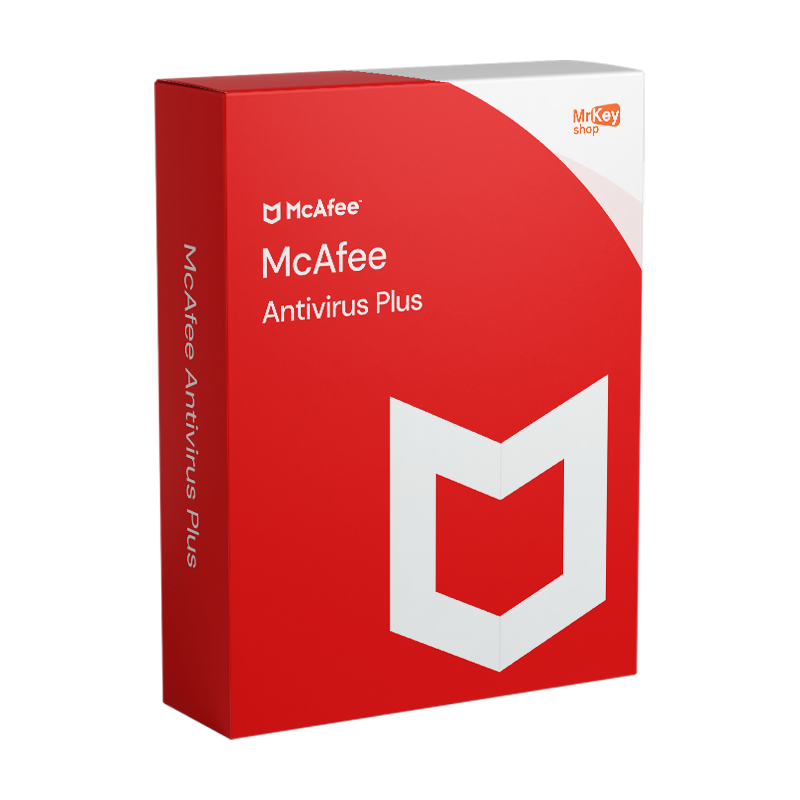





Buy McAfee Antivirus Plus at Mr Key Shop and save. Install one of the most popular and popular antivirus, ideal for novice users or those who do not want to get lost among complex configurations. Thanks to our store, you can save significantly on the list price by receiving a 100% genuine and guaranteed license.
McAfee Antivirus Plus offers comprehensive protection for your PC, combining firewall, antivirus and antispyware technologies. Key features include:
Mr Key Shop is the benchmark in the digital marketplace for hundreds of thousands of users around the world. Over nearly two decades, we have created and perfected a service in digital delivery that has been rated Excellent by our customers on TrustPilot. With SSL protection and secure payment methods such as PayPal, Stripe, Amazon, Apple and Google Pay, as well as credit/debit cards, shopping at Mr Key Shop is 100% safe. But also convenient: in fact, on our catalog you will save up to 70% compared to official listings, always getting a genuine license with full money back guarantee. Moreover, we offer free technical support in English for any of your needs.
Here, for example, you can buy operating systems such as Windows 10 and Windows 11, as well as Microsoft Office packages in all major versions. Find the best VPNs such as NordVPN and a selection of the best backup and recovery software, such as the EaseUS series of products. In addition, professionals will find Autodesk software on offer as well as Windows Server and more. Thanks to the Trusted Shops quality certification, you can activate an extra guarantee with up to €2,500 refund on every order. This body ranks the best European stores based on strict quality criteria, and Mr Key Shop is one of them!
In addition, by purchasing McAfee Antivirus Plus and other products at Mr Key Shop, you will help us in our green mission: we want to help reduce pollution and packaging waste by offering only and exclusively digital products, following our eco-friendly ethics.
Take your business to the next level with a solid and recognized partner in the original software licensing industry. With Mr Key Shop, you get access to exclusive price lists for resellers, special terms, and free professional support for you and your customers.
What's more, with MrKeyWallet, you can get extra credits on every top-up and further increase your margins: the more you invest, the more you earn. A system designed for those who really want to scale up.
Join the MKreseller programnow and discover all the benefits reserved for partners.
Windows:
| Operating System: | Windows 11, Windows 10, Windows 8.1 (32-bit and 64-bit), Windows 8 (32-bit and 64-bit), Windows 7 (32-bit and 64-bit) with Service Pack 1 (SP1) or higher |
| Processor: | 1GHz or higher |
| RAM: | 2GB or more for Windows 7 and 8, 4GB for Windows 10 |
| Disk Space: | 500MB of free space |
| Screen Resolution: | 1024x768 or higher |
| Browser: | Internet Explorer 10.0 or higher, Firefox (current and two previous versions), Google Chrome (current and two previous versions), Microsoft Edge (current and two previous versions) |
| Internet connection: | Required for download, installation, and updates |
| Adobe Flash Player: | Version 10 or higher |
Downloading McAfee Antivirus Plus is super easy: in the mail you will find your order summary, containing official and secure download links, step-by-step instructions for completing the installation, and your license code. After downloading the program, you can install McAfee Antivirus Plus by double-clicking the installation exe file and following the on-screen prompts.
To activate McAfee Antivirus Plus, start the program for the first time. Next, you will simply log in with your McAfee account, which you can easily create if you do not have one. From the application, you will simply activate your subscription and associate your device using the license code provided by Mr Key Shop: in a few clicks, you will be all set to protect your system.
If you need to change or format the device on which you are using McAfee Antivirus Plus with a 1-device subscription, here are the steps to follow:


 €78.99
€124.99
€78.99
€124.99
 €279.99
€299.99
€279.99
€299.99
 €79.99
€191.99
€79.99
€191.99
 €109.99
€483.99
€109.99
€483.99


 Chat with us
 Ita
Ita
 Eng
Eng
 Deu
Deu
 Esp
Esp
 Fra
Fra