


 Unfortunately your shopping cart is empty


 Returns
 Chat with Us
 About Us
 My Orders

 Twitter
 LinkedIn
 Meta
Meta



 €109.99
€483.99
€109.99
€483.99

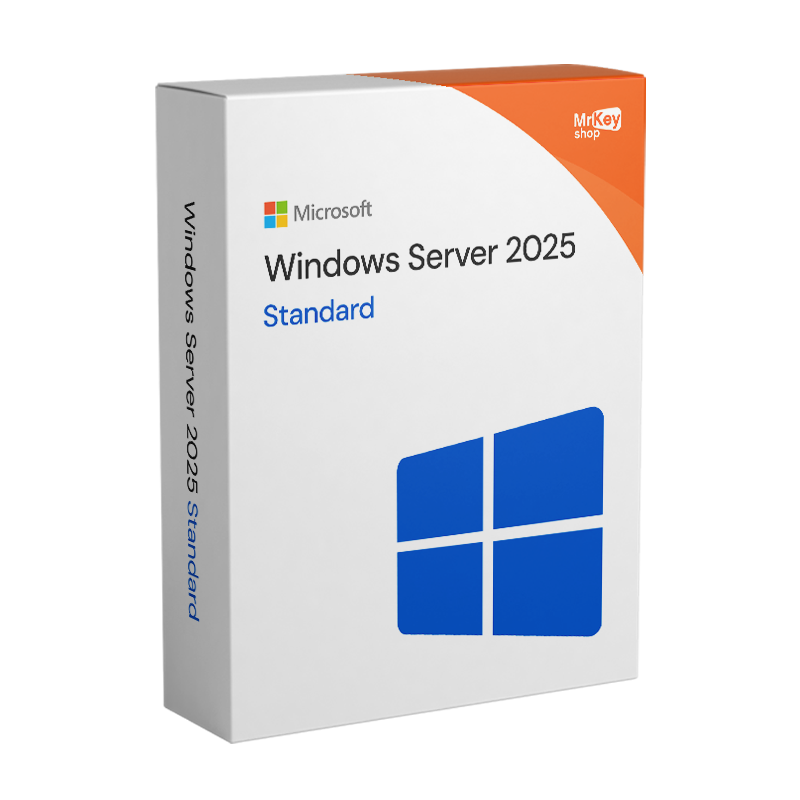





Windows Server 2025 Standard is the reliable, state-of-the-art server solution. Designed to deliver optimal performance and advanced security, this operating system is ideal for managing your IT infrastructure with efficiency and simplicity. At Mr Key Shop, you can buy Windows Server 2025 Standard at the best price and start taking advantage of its full potential right away.
Windows Server 2025 is the latest version of Microsoft's server operating system, designed for modern, virtualised and hybrid (on-premises + cloud) environments. It improves performance, security and scalability compared to Windows Server 2019 and 2022, and is ideal for those who manage many VMs, AI workloads or complex enterprise infrastructures. Here are the key points: Latest generation and support
Performance and scalability
Hybrid cloud and management
Networking, containers and storage
Editions and licences
If you need to choose a long-term Microsoft server platform today, Windows Server 2025 is the version to consider as a reference, especially if you are planning virtualised, hybrid or AI-oriented environments.
Windows Server 2025 builds on the 2019 and 2022 versions with a strong focus on security, performance/AI and hybrid cloud.
Security and identity
AI, performance and scalability
Hybrid cloud and networking
Modern administration experience
Upgrade path
Windows Server 2025 evolves significantly from Windows Server 2022, with greater emphasis on AI, hardware scalability, and proactive security, while maintaining full compatibility. Ideal for modern enterprises with hybrid and AI-driven workloads, it offers up to 70% more storage IOPS and expanded RAM support.
Key comparison
| Area | Windows Server 2022 | Windows Server 2025 |
|---|---|---|
| Hardware scalability | 48 TB RAM, 128 cores max | 64 TB RAM, 256 cores max; NVMe-oF for hyper-fast storage |
| Security | Secured-core, TLS 1.3, VBS | Credential Guard default, immutable anti-ransomware, advanced zero-trust |
| Virtualisation | Basic GPU, reduced containers | GPU partitioning, VBS enclave for secure AI, nested AMD+Intel virtualisation |
| AI and containers | Basic container support | Native AI/ML, advanced microservices, DirectStorage 2.4x I/O |
| Active Directory | Standard pages | 32k page size for enterprise scalability, NTLM deprecated |
| Overall performance | TCP HyStart++, +30% containers | +3-4% overall, enhanced Azure hybrid edge computing |
Windows Server 2025 is recommended for upgrades if you use AI/intensive workloads, while the 2022 version remains solid for legacy environments.
For more than 18 years, Mr Key Shop has been serving the digital marketplace through a high-quality store. With the security provided by SSL encryption and secure payment methods such as PayPal, Stripe, Amazon/Apple/Google Pay, as well as credit/debit cards, you can make all your purchases with peace of mind. What's more, you'll always be sure to save up to 70% on the entire catalog: from operating systems such as Windows 11 Pro Product Key and productivity packages such as Office 2021 Professional, Mr Key Shop caters to all needs, including business, with products such as AutoCAD, but also security tools such as NordVPN, AVG, and the best backup and recovery software. Check out all the bargains waiting for you at Mr Key Shop now!
Thanks to Trusted Shops certification, you can count on an extra money-back guarantee of up to 2,500 on every order, to be activated during purchase. Delivery is in real time, immediately after your order: you will receive your summary email with an official and secure download link, step-by-step instructions and your product key, as well as the receipt of your purchase and unlimited access to our technical support, free of charge and in English!
If you choose Mr Key Shop for your digital purchases, you will also contribute to our commitment to a greener world: we have opted for digital delivery as the sole distribution channel for our products. Because of this, we can contribute to the reduction of pollutants and packaging waste. Together, we can make a difference!
Take your business to the next level with a solid and recognized partner in the original software licensing industry. With Mr Key Shop, you get access to exclusive price lists for resellers, special terms, and free professional support for you and your customers.
What's more, with MrKeyWallet, you can get extra credits on every top-up and further increase your margins: the more you invest, the more you earn. A system designed for those who really want to scale up.
Join the MKreseller programnow and discover all the benefits reserved for partners.
| Processor: | 64-bit 1.4GHz processor or higher |
| Memory: | 2GB RAM (minimum) |
| Storage: | 32 GB of disk space (minimum) |
| Network Interface: | Gigabit Ethernet |
| Monitor: | Minimum resolution of 1024x768 |
| Other Requirements: | DVD drive (if using physical installation media), Internet access for updates and activation |
With Mr Key Shop, you can download Windows Server 2025 Standard immediately after purchase. We provide you with an official and secure link from which you can download your installation ISO image. After the download is complete, you can create a USB installation media with tools such as Rufus, or burn the file to a DVD. Following the instructions provided in the email, you will simply insert the media into your computer, choose the correct boot sequence from the BIOS, and start the Windows Server 2025 Standard installation procedure on your server.
Use the Windows Server 2025 Standard product key provided in your order summary to activate the system. You will be able to enter the code during the installation of the system on your server and wait for validation. If for some reason you decided to skip this step, you can activate Windows Server 2025 Standard directly from the system as follows:
The Standard edition is ideal for small and medium-sized businesses with limited virtualisation needs, whilst the Datacenter edition is designed for highly virtualised environments with an unlimited number of virtual machines.
Windows Server 2025 Standard includes advanced security features such as AI-powered threat protection, enhanced data encryption and identity management tools to ensure strict access control.
Yes, Windows Server 2025 Standard offers native support for containers and microservices, enabling the efficient creation and management of modern, scalable applications.
With the Windows Server 2025 Standard licence, you can virtualise up to two virtual machine instances. For an unlimited number of virtual machines, we recommend considering the Datacenter edition.
Before proceeding with formatting the server, it is essential to perform a full backup of all data and critical configurations to avoid the loss of important information. Once the backup is complete, you can proceed with formatting the server and reinstalling Windows Server 2025 Standard. Use the installation disc or the ISO file to start the reinstallation. During this process, you will be asked to enter the product key; use the 25-character code provided with your licence. Once the installation is complete, follow the standard activation procedure.


 €109.99
€483.99
€109.99
€483.99
 €79.99
€191.99
€79.99
€191.99
 €78.99
€149.99
€78.99
€149.99


 Chat with us
 Ita
Ita
 Eng
Eng
 Deu
Deu
 Esp
Esp
 Fra
Fra