


 Unfortunately your shopping cart is empty


 Returns
 Chat with Us
 About Us
 My Orders

 Twitter
 LinkedIn
 Meta
Meta



 £53.39
£93.87
£53.39
£93.87

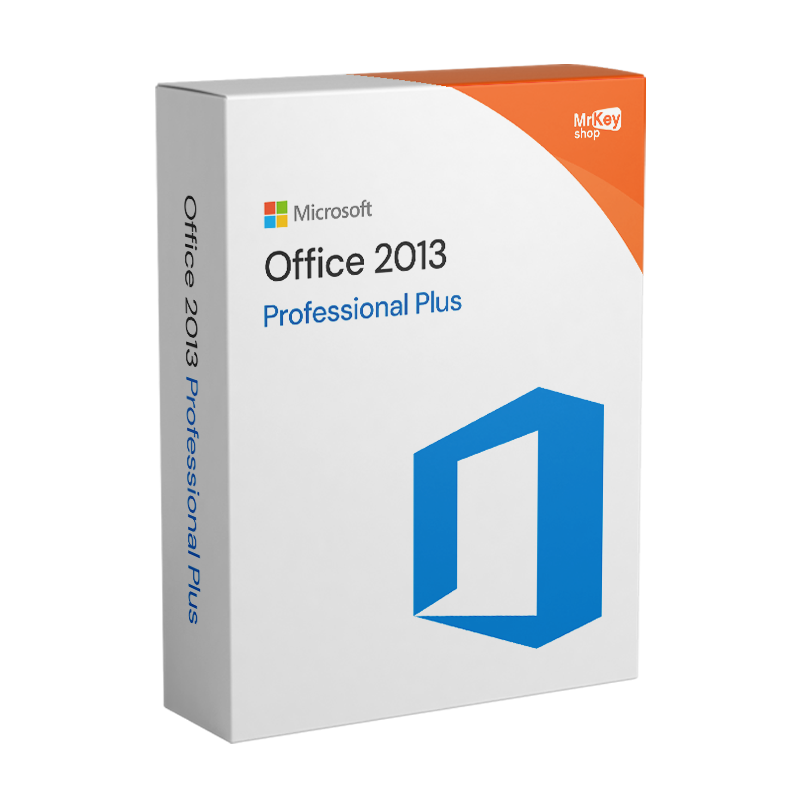





With Office 2013, Microsoft has revolutionised efficiency and functionality, significantly raising the bar compared to previous versions. Office 2013 Professional Plus is unquestionably the most advanced and comprehensive in the range, offering compatibility for both 32-bit and 64-bit systems. Its features have been refined to ensure smooth and intuitive data management, simplifying every aspect of document creation and processing.
This powerful tool is perfectly suited to all types of users: from individuals who want to create documents with ease, to businesses that need to manage and develop complex projects. Office 2013 Professional Plus is synonymous with reliability and is the optimal solution to meet all your professional and personal needs. For uncompromising security, we recommend installing high-quality antivirus software. Purchase your ideal antivirus software on offer and protect your device with the same care with which you manage your projects.
This and much more with the complete Office 2013 Professional Plus software.
* N/B: Skype for Business subscription is not included.
You will receive the product within seconds directly via e-mail, thus avoiding the environmental impact of shipping physical goods.
Take your business to the next level with a solid and recognized partner in the original software licensing industry. With Mr Key Shop, you get access to exclusive price lists for resellers, special terms, and free professional support for you and your customers.
What's more, with MrKeyWallet, you can get extra credits on every top-up and further increase your margins: the more you invest, the more you earn. A system designed for those who really want to scale up.
Join the MKreseller programnow and discover all the benefits reserved for partners.
| Platform | Windows |
| Supported Operating Systems | Office 2013 64-bit products are only supported on the following operating systems: Windows 7 - Windows 8.1 |
| Processor | 32-bit or 64-bit 1 GHz processor or higher, and SSE2 instruction set |
| RAM | 1 GB RAM (32 Bit) - 2 GB RAM (64 Bit) |
| Hard disk | 3 GB |
| Graphic card | Graphics hardware acceleration requires a DirectX10 graphics card and display with a 1024 x 576 resolution |
After completing your purchase of Office 2013 Professional Plus through Mr Key Shop, you will receive a secure link to download the software directly to your email. This ensures a safe and secure purchase, avoiding the risk of viruses or malicious software. To proceed with the installation, follow these steps:
To activate Office 2013 Professional Plus using the product key purchased from Mr Key Shop, follow these steps:
This procedure is also explained in your order summary email, where you will find the official download link and your product key. If you have any doubts, questions or problems, our technical support is available free of charge and in Italian.
1. What is Office 2013 Professional Plus?
Office 2013 Professional Plus is a suite of Microsoft applications designed to meet the needs of professionals and businesses. It includes software such as Word, Excel, PowerPoint, Outlook, Access, Publisher and Skype for Business.
2. Can I use Office 2013 Professional Plus on multiple devices?
No, the standard licence is valid for one device only. For use on multiple devices, you will need to purchase additional licences.
3. Does Office 2013 Professional Plus support files created with earlier versions of Office?
Yes, it is fully compatible with files created in earlier versions such as Office 2010 and Office 2007. You can open, edit and save documents without any problems.
4. Can I use Office 2013 Professional Plus offline?
Yes, once installed and activated, you can use all applications offline. Some features, such as sending emails via Outlook or updates, require an internet connection.
5. Does Office 2013 Professional Plus still receive security updates?
Microsoft ended official support for Office 2013 on 11 April 2023. Although it is still usable, it will no longer receive security updates or improvements.
6. Is it compatible with Windows 11?
Office 2013 Professional Plus is not officially supported on Windows 11. It may work, but compatibility issues may arise.
7. Can I transfer the licence to another computer?
Yes, but you must first uninstall Office from the previous computer and then activate it on the new device using the same product key. The licence must be valid and not tied to a specific device.
8. What is the difference between Office 2013 Professional Plus and other editions of Office 2013?
The Professional Plus version is the most comprehensive edition of Office 2013. It includes additional applications such as Access, Publisher and Skype for Business, which are not included in the Home & Student or Home & Business editions.
9. Can I upgrade Office 2013 Professional Plus to a later version?
There is no direct upgrade. To move to a newer version, such as Office 2021 or Office 2024, you will need to purchase a new licence.
10. Can I use OneDrive with Office 2013 Professional Plus?
Yes, Office 2013 Professional Plus supports integration with OneDrive, allowing you to save, access and share documents online. However, some advanced features may no longer be supported due to the end of official support.
11. Is it possible to create PDF files directly from Office 2013 Professional Plus?
Yes, you can save documents in PDF format directly from Word, Excel, PowerPoint and other applications included in the suite, without the need for additional software.
12. Is Office 2013 Professional Plus suitable for home users?
Yes, although it is primarily designed for business and professional environments, home users can take advantage of its advanced features, especially if they need Access or Publisher.
13. Can I customise the installation of Office 2013 Professional Plus?
Yes, during installation you can choose which applications to install. For example, if you don't need Access or Publisher, you can deselect them.
14. Why choose Office 2013 Professional Plus today?
Although it no longer receives updates, Office 2013 Professional Plus remains a reliable and comprehensive solution for those looking for an affordable suite with advanced features and compatibility with the most common files. Purchasing it from retailers such as Mr Key Shop guarantees savings, security and dedicated support.
Need more information? Contact us for personalised assistance!




 Chat with us
 Ita
Ita
 Eng
Eng
 Deu
Deu
 Esp
Esp
 Fra
Fra