


 Unfortunately your shopping cart is empty


 Returns
 Chat with Us
 About Us
 My Orders

 Twitter
 LinkedIn
 Meta
Meta

 £111.95
£416.83
£111.95
£416.83






Receive an alert when the product is back.
 Please enter an email address
Please accept the terms and conditions
Please enter an email address
Please accept the terms and conditions
| Sold by: | YouSoftware |
| License: | 1 User/Computer |
| Region: | Worldwide |
| Languages: | All Languages Included |

Información importante:* Keep pace with technology to maintain high standards. Please note that this type of update can only be performed on a genuine Microsoft operating system, if you are running a cracked version of a Windows operating system you will need to format your computer.. |
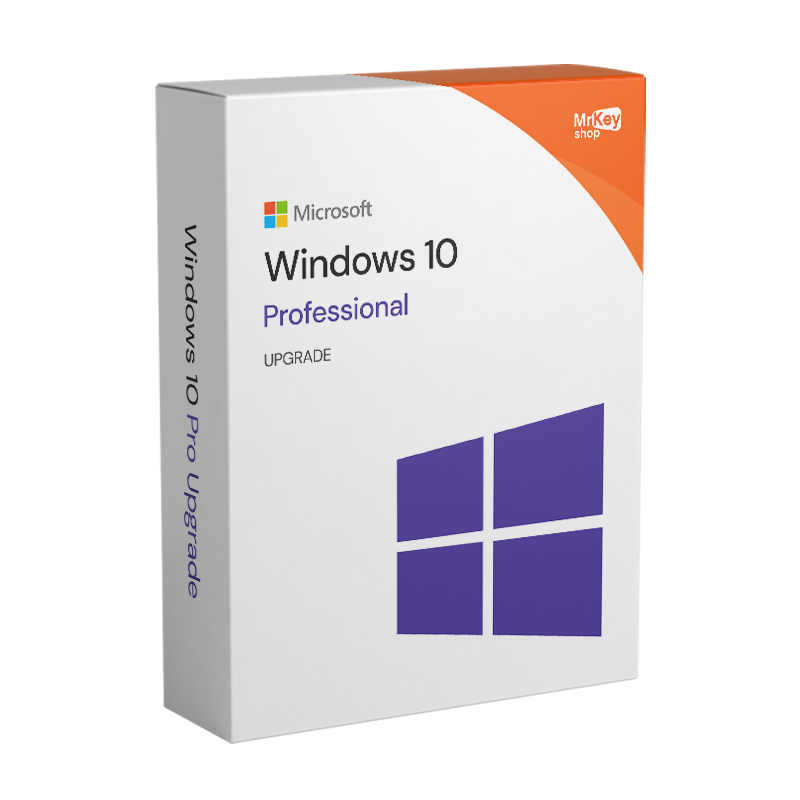
If you want to upgrade your Windows 10 Home operating system to Windows 10 Professional, with Mr Key Shop you can save on the cost of the license. Windows 10 Professional allows you to work more efficiently and dynamically thanks to all its new additional features. By upgrading to Windows 10 Professional, you will also be able to install and use Office 2021 Professional Plus and take your computer to a more advanced level. The upgrade to Windows 10 Professional is compatible with both 32-bit and 64-bit versions. Before switching from Windows 10 Home to Professional, we recommend that you perform a full backup of your operating system and data using Windows 10 backup software. We also recommend installing one of the best antivirus programs for Windows 10 to protect your device.

Upgrading from Windows 10 Home to Windows 10 Professional is an excellent choice for those who want to get the most out of their device and gain more features and useful tools.
Here are the main advantages of Windows 10 Pro over Windows 10 Home:
|
Feature |
Windows 10 Home |
Windows 10 Pro |
|
BitLocker (disk encryption) |
❌ |
✅ |
|
Remote Desktop (RDP) |
❌ |
✅ |
|
Domain access / Azure AD |
❌ |
✅ |
|
Group Policy |
❌ |
✅ |
|
Hyper-V (virtual machines) |
❌ |
✅ |
|
Windows Sandbox |
❌ |
✅ |
|
Advanced update management |
❌ |
✅ |
|
Assigned Access |
❌ |
✅ |
|
Support for local and remote users |
Limited |
Advanced |
|
Ideal for business or professional use |
❌ |
✅ |
If you recognize yourself in at least one of these points, upgrading to Windows 10 Pro is a recommended choice.
Upgrading to Windows 10 is an essential step in keeping your device up to date, secure, and performing at its best. Among the main reasons and benefits for switching to Windows 10, we can mention:

By purchasing the upgrade to Windows 10 Professional, within a few minutes of purchase, you will receive an email containing your original Microsoft license and all the instructions you need to upgrade in just a few quick and easy steps. The product is delivered, thus eliminating shipping times and costs and avoiding the environmental impact of shipping physical goods.
Take your business to the next level with a solid and recognized partner in the original software licensing industry. With Mr Key Shop, you get access to exclusive price lists for resellers, special terms, and free professional support for you and your customers.
What's more, with MrKeyWallet, you can get extra credits on every top-up and further increase your margins: the more you invest, the more you earn. A system designed for those who really want to scale up.
Join the MKreseller programnow and discover all the benefits reserved for partners.
| Platform | Windows |
| Supported Operating Systems | Windows 10 |
| Processor | 1 GHz or faster processor or SoC |
| RAM | 1 Gb RAM (32-bit) or 2 Gb RAM (64-bit) |
| Hard disk | 16 Gb RAM (32-bit) or 20 Gb RAM (64-bit) |
| Graphic card | DirectX 9 or higher with WDDM 1.0 driver |
1. Can I upgrade to Windows 10 Pro from a previous version of Windows?
Yes, you can upgrade from Windows 10 Home to Windows 10 Pro.
2. What are the advantages of Windows 10 Pro over Windows 10 Home?
Windows 10 Pro offers advanced features such as:
3. How can I upgrade to Windows 10 Pro?
Follow these steps:
4. How long does the update take?
The update usually takes a few minutes, but the time may vary depending on the speed of your system.
5. Will I lose my data during the update?
No, the update will not delete your data. We recommend that you make a backup before proceeding.
6. Do I need to reinstall Windows to upgrade to Windows 10 Pro?
No, the update takes place without reinstalling the operating system. You just need to change the product key.
7. Can I use the same licence on multiple devices?
No, a standard Windows 10 Pro licence is valid for one device only. For multiple devices, you will need to purchase additional licences.
8. Does Windows 10 Pro support specific business software?
Yes, it is designed to support advanced business tools, including data management software, servers, and applications compatible with Active Directory.
9. Can I revert to Windows 10 Home after upgrading?
This is not possible without reinstalling the operating system. Before upgrading, assess your needs.
Need more information? Contact us for personalised assistance!
Depending on your current situation, here's what to do:
You can upgrade as follows:
Follow these steps:


 £76.64
£107.65
£76.64
£107.65
 £241.14
£258.36
£241.14
£258.36
 £94.73
£416.83
£94.73
£416.83


 Chat with us
 Ita
Ita
 Eng
Eng
 Deu
Deu
 Esp
Esp
 Fra
Fra