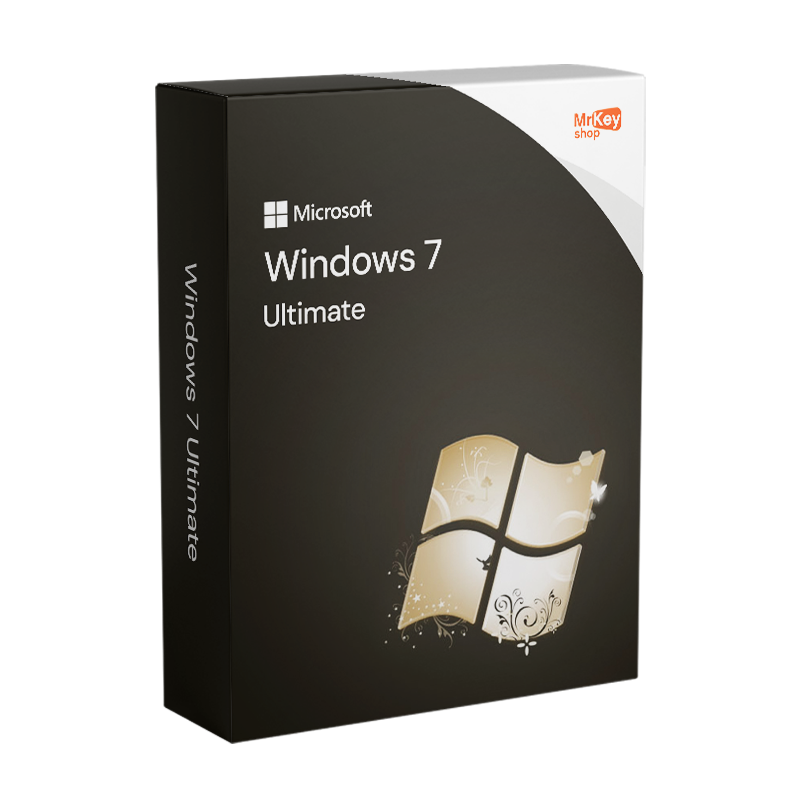
Windows 7 Ultimate
Microsoft Windows 7 Ultimate 32/64 Bit - Product Key
Windows 7 Ultimate
Microsoft Windows 7 Ultimate 32/64 Bit - Product Key

Microsoft Windows 7 Ultimate 32/64 Bit - Product Key

triangle End of support, Last Licenses Available
€36.99
€91.99
Save €55.00

Sold by: YouSoftware
License: 1 User/Computer
Region: Worldwide
Languages: All Languages Included
check Our products are guaranteed up to €2,500
check

Genuine License

check

Secure Payments

check

24/7 Support

check

350K+ Happy Customers

check

Email delivery

check

Money-Back Guarantee

check

Microsoft Partner

check

Certified Licence

Other sellers on Mr Key Shop


Mr Key Shop is a Microsoft Certified Partner


When you purchase Windows 7 Ultimate, you will receive a 100% original licence that can be activated directly with the official Microsoft ISO. Secure SSL payments via PayPal provide a full guarantee. Immediately after purchase, you will receive your original licence via email, along with a link to download the official ISO from the Microsoft website and all the instructions you need for quick and easy activation.


*IMPORTANT: It is no longer possible to upgrade from Windows 7 and Windows 8 to Windows 10. To install Windows 10, you must perform a clean installation by purchasing a Windows 10 product key

*Your original licence at the right price.

Windows 7 Ultimate 32/64 Bit: Purchase the Microsoft Licence for the Ultimate Experience

The Windows 7 Ultimate operating system is designed for individuals, small businesses and professionals. It has been enhanced and graphically improved compared to the old version of Windows Vista. In fact, you are no longer tied to the sidebar, but widgets can be positioned anywhere on the desktop as you prefer, allowing you to have everything you want, applications and programmes at your fingertips, significantly streamlining your work. In addition, Windows 7 Ultimate also supports tablets and features such as multi-touch, which is certainly a great innovation. Windows 7 Ultimate also offers even faster browsing with Internet Explorer 8. We always recommend protecting your devices by installing a valid and effective Antivirus against cyber attacks.


Key Features of Windows 7 Ultimate

  • XP Mode: allows you to run applications designed for Windows XP in a virtual environment directly on Windows 7 Ultimate, ensuring compatibility with older software.
  • BitLocker: offers powerful encryption solutions to protect data on your hard drives and USB drives, increasing the security of your sensitive data.
  • Switching between languages: Windows 7 Ultimate includes support for 35 different languages, allowing you to easily switch between languages, ideal for multilingual environments or users who need to work with multiple languages.
  • Remote Desktop Host: Unlike lower versions, Ultimate not only allows you to connect to other computers, but also to host Remote Desktop sessions, allowing other users to connect to your computer securely.


Why Choose a Windows 7 Ultimate Product Key?

Windows 7 Ultimate is the ideal option for those seeking maximum efficiency and security from a Windows operating system. With its advanced backup capabilities and support for complex corporate networks (including domain support), it is designed to deliver reliable performance across a wide range of hardware, from notebooks to powerful workstations. With features such as BitLocker and the advanced Windows Firewall, you can be sure that your system and data are protected against external and internal threats.


What will I receive if I purchase a Windows 7 Ultimate serial key?

You will receive the product directly by e-mail within a few seconds, thus avoiding the environmental impact of shipping physical goods.

  • 1 original Microsoft Windows 7 Ultimate activation key valid for 1 PC (Product Key)
  • Link to download the ISO for Windows 7 Ultimate 32/64 bit
  • Quick and easy installation guide
  • Free ITALIAN support
  • Invoice

Are you a reseller? Join MKreseller

Take your business to the next level with a solid and recognized partner in the original software licensing industry. With Mr Key Shop, you get access to exclusive price lists for resellers, special terms, and free professional support for you and your customers.

What's more, with MrKeyWallet, you can get extra credits on every top-up and further increase your margins: the more you invest, the more you earn. A system designed for those who really want to scale up.

Join the MKreseller programnow and discover all the benefits reserved for partners.

System requirements

Platform Windows
Supported Operating Systems Windows 7, macOS Mojave, macOS High Sierra
Processor 1 GHz or faster processor (32-bit or 64-bit)
RAM 1 Gb RAM (32-bit) or 2 Gb RAM (64-bit)
Hard disk 16 Gb RAM (32-bit) or 20 Gb RAM (64-bit)
Graphic card DirectX 9 or higher with WDDM 1.0 driver 

Downloading the Windows 7 Ultimate ISO and installing it in Italian

Before proceeding with the download and installation, it is important to check that your computer meets the minimum system requirements for Windows 7 Ultimate. When you purchase a Windows 7 Ultimate licence key from Mr Key Shop, you will receive a secure link to download the ISO image by email.

Creating Installation Media

Once you have obtained the Windows 7 Ultimate ISO image, the next step is to create installation media. You can use a DVD or a USB stick.

Windows 7 Ultimate Installation Procedure

  1. Insert the DVD or USB stick and restart your computer. Ensure that the BIOS is set to boot from the selected device.
  2. Follow the on-screen instructions to select your language, time zone, and keyboard method.
  3. During installation, you will be asked to enter the product key to verify the authenticity of your copy of Windows 7 Ultimate.
  4. You can choose to install Windows 7 Ultimate on an existing disk or create a new one. It is essential to back up your data before proceeding with this step.
  5. After configuring the partitions, Windows will begin installation. The process may take some time, during which your computer will restart several times.

    Activating Windows 7 Ultimate with a Licence Key

    After installation, it is essential to activate Windows 7 Ultimate using the product key provided by Mr Key Shop via email. This step confirms that your copy of Windows is genuine.

    • Go to the Start menu and right-click on Computer.
    • Select Properties from the context menu to open the system information window.
    • Scroll down to the Windows Activation section.
    • Click Activate Windows now. If your computer is already connected to the Internet, you can select the option to activate Windows online.
    • Enter the Product Key (if prompted again). This may happen if you did not enter it during installation or if the system failed to register it correctly.
    • Complete the process by following the on-screen instructions. Windows will verify the product key through its servers and, if the key is valid, activate your copy of Windows 7 Ultimate. After activation, you can return to the Computer Properties window to verify the activation status. If everything went well, you should see a message confirming that Windows is activated.

Frequently Asked Questions about Windows 7 Ultimate Licences

  • Does Windows 7 Ultimate support both 32-bit and 64-bit? Yes, Windows 7 Ultimate is available in both 32-bit and 64-bit versions. The choice depends on your hardware specifications and your compatibility requirements with older applications.

  • What are the advantages of the 64-bit version over the 32-bit version? The 64-bit version of Windows 7 Ultimate supports more RAM, improving performance and allowing more demanding applications to run. It is ideal for newer hardware and for those who need high performance.

  • Can I run 32-bit programmes on 64-bit Windows 7 Ultimate? Yes, 64-bit Windows 7 Ultimate is compatible with most 32-bit programmes thanks to its built-in compatibility mode.

  • How can I enable BitLocker on Windows 7 Ultimate? BitLocker can be enabled via the Control Panel. You must have hardware that supports Trusted Platform Module (TPM) technology to use all of BitLocker's features.

  • Is Windows 7 Ultimate still supported by Microsoft? No, Microsoft ended support for Windows 7, including Ultimate, in January 2020. Security updates and technical support are no longer provided.

  • Does Windows 7 Ultimate support the installation of multiple language packs? Yes, one of the distinctive features of Windows 7 Ultimate is its support for the installation of additional language packs, allowing users to easily switch between languages.

  • How can I improve security on Windows 7 Ultimate? Although official support has ended, you can improve security by keeping your antivirus software up to date, using firewalls, and following recommended security practices such as regularly changing your passwords and being wary of suspicious email attachments.

What are the main differences between Windows 7 Ultimate and other versions of Windows 7? Windows 7 Ultimate includes all the features of the Home Premium and Professional versions, plus improvements in security and multilingual support. It also offers BitLocker technology for data encryption and the ability to work in 35 different languages without additional packages.

What happens if I format or change my PC? Windows 7 Ultimate is a lifetime licence

This Microsoft licence is valid for life, so it is not a subscription service and does not require periodic paid renewals. When you purchase Windows 7 Ultimate, it will be yours forever, with no additional future costs, and you will enjoy the advantage of having an original Microsoft licence that you can use on your computer or device even after formatting or switching to a different one. You can reuse it forever, bearing in mind that it is only valid for one device and therefore must be deactivated from the previous one before reuse.

thumbs-up
Free Support
Email & Live Chat
smile
350K+
Happy customers
zap
Lightning-fast
Shipping in a few seconds
lock
100%
SSL Secure Payments
sun
18+
Years of success
thumbs-up
Free Support
Email & Live Chat
smile
350K+
Happy Customers
lock
100%
SSL Secure Payments
zap
Lightning-fast
Few seconds shipping
sun
18+
Years of Success
Loading...