


 Unfortunately your shopping cart is empty


 Returns
 Chat with Us
 About Us
 My Orders

 Twitter
 LinkedIn
 Meta
Meta



 €61.99
€108.99
€61.99
€108.99







|
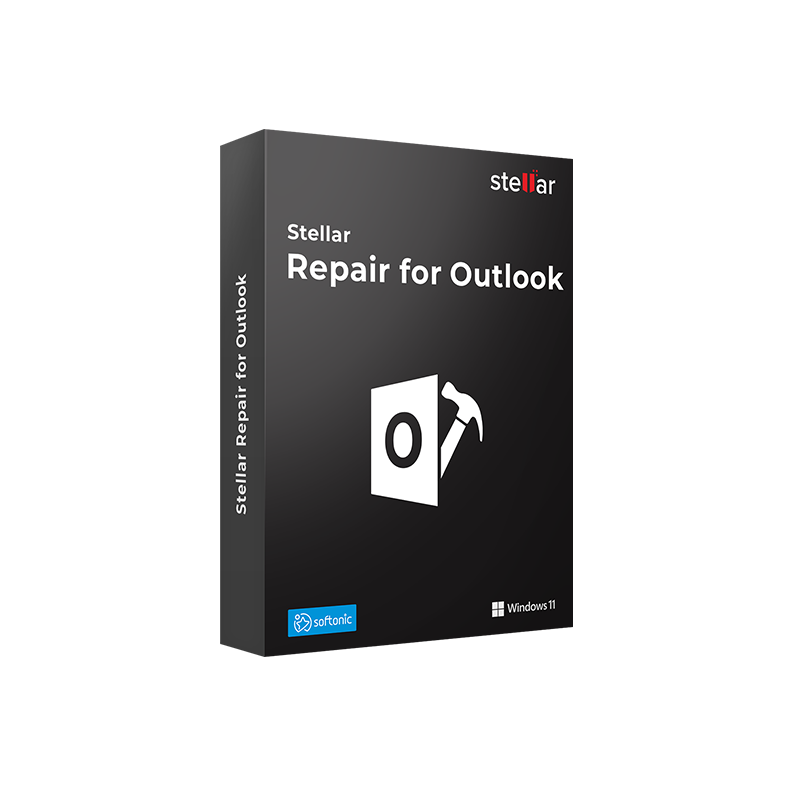
Delivery Information The Stellar Repair for Outlook Professional product key will be delivered via email within 6/12 hours after purchase, with complete instructions for download and activation. |
With a Stellar Repair for Outlook Professional license, you can forget nightmares like this: Outlook starts, asks to open the PST file, and then freezes. Or it opens the mailbox but some folders are empty—the emails are there, but they don’t show up. Or again: ScanPST.exe, Microsoft’s built-in repair tool, starts scanning and then stops halfway, leaving the file in a worse state than before. Outlook PST and OST files store years of professional communications, contacts, appointments, tasks, and critical attachments, and when they become corrupted, losing access to that content can have real consequences for daily work.
Stellar Repair for Outlook Professional is the dedicated tool for repairing Microsoft Outlook PST and OST files on Windows. Unlike ScanPST.exe, which often fails with large files or severe corruption, Stellar uses an advanced scanning algorithm that rebuilds the file structure from within, recovering emails, attachments, contacts, calendars, tasks, notes, and journals, including deleted items, and allowing you to save them in multiple ready-to-use formats.
|
Area |
Features |
|
PST repair |
Repairs corrupted or damaged Outlook PST files of any size, including large PST files that cause Outlook to freeze or ScanPST.exe to crash |
|
OST repair |
Recovers mailbox data from corrupted OST files, including offline Exchange and Microsoft 365 synchronization files |
|
Recovered items |
Emails and attachments, contacts, calendars, tasks, notes, journals, deleted items |
|
Preview before saving |
Displays the repaired mailbox with full preview of all folders, emails, and attachments before saving |
|
Export formats |
PST (importable into Outlook), EML, MSG, RTF, HTML, PDF |
|
Automatic PST detection |
Automatically locates all PST files in default Outlook locations; optional manual search |
|
Deleted items recovery |
Recovers emails and other items deleted from the mailbox and no longer visible in Outlook |
|
Encrypted PST files |
Supports repair of encrypted or password-protected PST files |
|
Supported Outlook versions |
Microsoft Outlook 2003, 2007, 2010, 2013, 2016, 2019, 2021, Microsoft 365 |
|
KB5074109 repair |
Repairs PST files damaged by Windows 11 security update KB5074109 without uninstalling the update |
|
Interface |
Intuitive three-step guided process; accessible even to non-technical users |
Mr Key Shop is an authorized reseller of original software licenses with digital delivery. The Stellar Repair for Outlook Professional product key is delivered via email within 6/12 hours after purchase, with complete instructions for download and activation. Secure payments via PayPal (also in 3 installments), Stripe, Amazon Pay, Apple Pay, Google Pay, and credit/debit cards, all with SSL encryption. Mr Key Shop is Trusted Shops certified with an “Excellent” rating on Trustpilot, with purchase protection up to €2,500.
Stellar Repair for Outlook Professional comes into play when the mailbox becomes inaccessible, but working on a stable Windows and Microsoft platform reduces the risk of reaching that point. The Windows 11 Pro license provides the most up-to-date platform with optimizations for managing Outlook data files and hardware-level security that helps protect PST files from sudden corruption. For systems still running Windows 10, the Windows 10 Pro product key ensures full compatibility with all versions of Stellar Repair for Outlook Professional and supported Outlook versions. The Office 2024 Professional Plus license includes Outlook 2024, the email client at the core of the workflow that Stellar Repair protects, along with Word, Excel, PowerPoint, Access, and Publisher for complete productivity. For teams working with Microsoft 365, the Microsoft 365 Business Standard subscription adds Outlook with Exchange Online, Teams, and 1 TB of OneDrive, including OST files that Stellar Repair for Outlook can natively repair. NordVPN protects your connection on public networks, reducing exposure to attacks that can corrupt Outlook data files during synchronization. AWZ Screen Recorder Pro is the tool for documenting repair procedures or creating operational tutorials on Windows screens. For those analyzing business data extracted from repaired mailboxes, Power BI Premium provides Microsoft’s data visualization and analytics platform to turn recovered content into actionable insights. Technical professionals will find in Autodesk 3ds Max Commercial a powerful 3D visualization and animation tool to complement a well-equipped Windows workstation, with project files to protect alongside communication data. Every purchase on Mr Key Shop is 100% digital: no shipping, no packaging, only email delivery.
Take your business to the next level with a solid and recognized partner in the original software licensing industry. With Mr Key Shop, you get access to exclusive price lists for resellers, special terms, and free professional support for you and your customers.
What's more, with MrKeyWallet, you can get extra credits on every top-up and further increase your margins: the more you invest, the more you earn. A system designed for those who really want to scale up.
Join the MKreseller programnow and discover all the benefits reserved for partners.
|
Requirement |
Specifications |
|
Operating system |
Windows 11, Windows 10, Windows 8.1, Windows 8, Windows 7 |
|
Processor |
Intel compatible (x86, x64) |
|
RAM |
4 GB minimum (8 GB recommended) |
|
Disk space |
250 MB for installation; additional space required for repaired PST files and exported data |
|
Microsoft Outlook |
Outlook 2003, 2007, 2010, 2013, 2016, 2019, 2021, Microsoft 365 |
|
Internet connection |
Required for product key activation and updates |
|
Notes |
Do not save the repaired PST file in the same location as the original damaged file to avoid overwriting. Windows only: not available for macOS |
After purchasing on Mr Key Shop, you will receive the Stellar Repair for Outlook Professional product key via email within 6/12 hours, along with the direct download link from stellar. The installation file is lightweight (around 250 MB) and compatible with Windows 7, 8, 8.1, 10, and 11. The free trial version allows you to scan and preview recoverable content before activating the subscription.
Download the StellarRepairforOutlook_Setup.exe file, double-click it, and accept any Windows UAC prompts. In the setup wizard, click Next, accept the license agreement, choose the installation folder, and click Install. Once completed, click Finish. The software will be available in the Start menu and as a desktop shortcut.
The unactivated version allows free scanning and preview of recoverable content. To save repaired files, open the Activation section within the software, enter the product key received via email, and complete the online verification. Within seconds, the subscription is active and you can save recovered data in your preferred format. Keep your product key safe: it will be required in case of reinstallation or device change.
Stellar Repair for Outlook Professional is a tool specifically designed to repair corrupted Microsoft Outlook PST and OST files on Windows. It recovers emails, attachments, contacts, calendars, tasks, notes, and journals, including deleted items, and allows you to export them in PST, EML, MSG, RTF, HTML, and PDF formats. It supports all Outlook versions from 2003 to 2021 and Microsoft 365.
The Professional version covers the needs of individual users and IT professionals for PST and OST repair: unlimited repair, multi-format export, deleted item recovery, and support for encrypted files. The Technician version adds the ability to split large PST files into smaller ones, compact them by extracting attachments, and export data directly to Office 365 or Exchange Server—features mainly useful for IT administrators managing multiple mailboxes.
ScanPST.exe is Microsoft’s built-in repair tool, free but limited: it often fails with large PST files, may stop during scanning, and can alter data during the repair process. Stellar Repair for Outlook uses an advanced algorithm that rebuilds the file structure internally, handles files of any size without crashing, recovers deleted items, and does not alter original data during scanning.
Yes. The Professional version supports the repair of OST files, the offline synchronization files used by Outlook with Exchange and Microsoft 365, converting them into PST or exporting them into other supported formats.
Yes. The software supports Microsoft Outlook 2021 and Microsoft 365, including OST files generated by Exchange Online mailbox synchronization.
Yes. The software recovers deleted items from the mailbox—emails, contacts, appointments, tasks—provided they have not been permanently overwritten in the PST file.
Yes. The Professional version supports the repair of encrypted or password-protected PST files.
No. Stellar Repair for Outlook is available exclusively for Windows. Mac users who need to repair PST files can use the software via a Windows virtual machine or BootCamp partition.
If you are an IT administrator managing multiple mailboxes and need to split PST files, compact them, or export directly to Office 365 or Exchange Server, consider the Technician version. If you need to recover emails from a formatted hard drive or a non-bootable system, you need Stellar Data Recovery, not Stellar Repair for Outlook.
|
Criteria |
Stellar Repair for Outlook Pro |
Kernel for Outlook PST |
ScanPST.exe |
|
Large PST files |
✅ Handled without crashes |
✅ Yes |
❌ Often crashes |
|
OST recovery |
✅ Yes |
✅ Yes |
❌ No |
|
Deleted item recovery |
✅ Yes |
✅ Yes |
Partial |
|
Export formats |
✅ PST, EML, MSG, RTF, HTML, PDF |
✅ Multiple |
PST only |
|
Encrypted PST files |
✅ Yes |
✅ Yes |
Partial |
|
Preview before saving |
✅ Yes |
✅ Yes |
❌ No |
|
Supported Outlook versions |
✅ 2003–2021 + M365 |
✅ Multiple |
✅ Multiple |
|
Interface |
✅ Guided, intuitive |
Medium |
Minimal |
|
Free version |
Trial with preview |
Limited trial |
✅ Free |


 €109.99
€483.99
€109.99
€483.99


 Chat with us
 Ita
Ita
 Eng
Eng
 Deu
Deu
 Esp
Esp
 Fra
Fra