


 Unfortunately your shopping cart is empty


 Returns
 Chat with Us
 About Us
 My Orders

 Twitter
 LinkedIn
 Meta
Meta



 £68.03
£129.18
£68.03
£129.18







|
Information Product key delivered via email. During peak periods, delivery may take up to 12 hours on weekdays and up to 24 hours at weekends. |
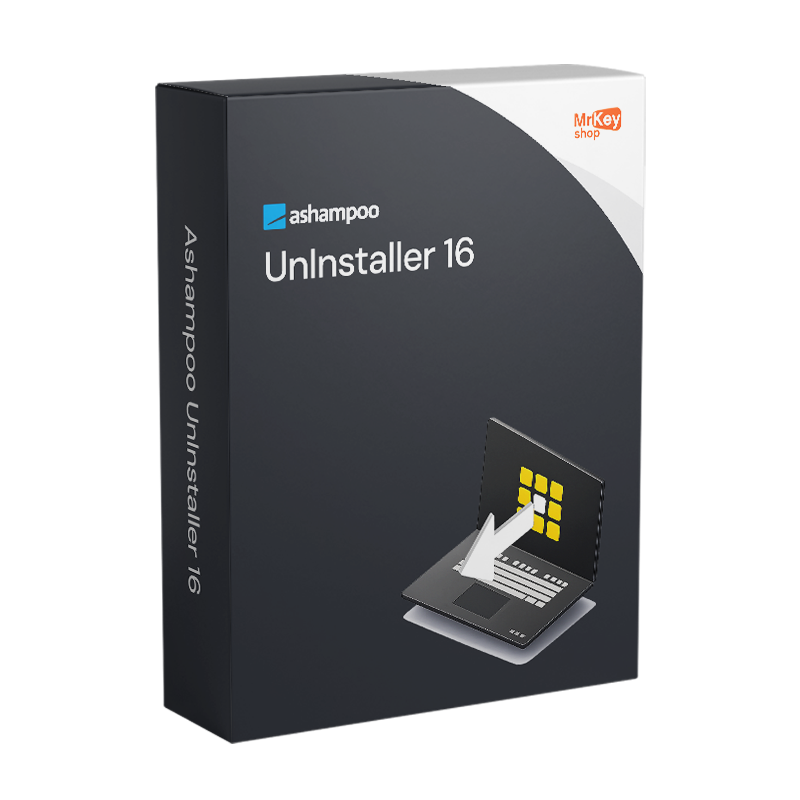
Purchasing a licence for Ashampoo UnInstaller 16 means adopting an approach to software uninstallation that fundamentally surpasses the capabilities of the Windows Control Panel. The native Windows tool merely executes the uninstall command provided by the programme’s developer, which almost invariably leaves behind files in temporary folders, orphaned registry entries, services, scheduled tasks, drivers and other components scattered throughout the file system. Ashampoo UnInstaller 16, released on 5 August 2025, tackles this problem on several fronts with up to 5 removal levels that can be applied sequentially to ensure even the most stubborn software is completely removed. Automatic monitoring of installations is the cornerstone of the system: from the moment a programme’s installation begins, UnInstaller 16 tracks every change made to the system – files, folders, registry entries, services, drivers and scheduled tasks – building a detailed log that allows you to completely reverse the installation at any later point, even in the case of complex setups with nested components.
Version 16 introduces forensic analysis as a key new feature: even programmes installed before UnInstaller 16 was adopted – and for which there is therefore no monitoring log – can be analysed retrospectively to build an uninstallation log that guides their complete removal. This feature removes the main limitation of monitoring-based uninstallers, which, up to previous versions, could not offer the same level of precision for pre-existing installations. The Registry Optimizer 2, completely redesigned in version 16, cleans the Windows registry significantly faster than the previous version, with the Super Safe Mode allowing for an extremely cautious clean-up on sensitive systems where the risk of removing necessary entries must be minimised as much as possible. The Crash Analyzer analyses system-level crash reports to identify the causes. Sleep mode releases system resources as soon as UnInstaller is no longer in active use. Installation logs can be exported in HTML, CSV and TXT formats for documentation and reporting.
|
Feature |
Details |
|
Version |
Ashampoo UnInstaller 16 (16.00.02, released August 2025) |
|
Developer |
Ashampoo GmbH & Co. KG |
|
Licence type |
Perpetual, one-off purchase, no recurring fees |
|
Supported systems |
Windows 11, 10 (x64) |
|
Uninstallation levels |
Up to 5, applicable sequentially for complete removal |
|
Installation monitoring |
Automatic from start to finish: files, registry, services, drivers, scheduled tasks |
|
Forensic analysis |
Yes, retroactive log creation for programmes already installed (new in v.16) |
|
Registry Optimizer 2 |
Redesigned in v.16, ultra-fast registry cleaning (new in v.16) |
|
Super Safe Mode |
Yes, extremely cautious registry cleaning for sensitive systems (new in v.16) |
|
Crash Analyzer |
Yes, system-level crash report analysis (new in v.16) |
|
Cleaning module speed |
Up to 50% faster and more efficient than the previous version (new in v.16) |
|
Sleep mode |
Yes, automatic release of resources when not in active use (new in v.16) |
|
Export installation logs |
HTML, CSV, TXT (new in v.16) |
|
System snapshot |
Yes, compares system states to identify differences in the registry and files |
|
Multiple uninstallation |
Yes, multiple programmes simultaneously or via drag & drop |
At Mr Key Shop, every licence is genuine and guaranteed: buying Ashampoo UnInstaller 16 means receiving an original Ashampoo perpetual licence directly via email, with no physical delivery or waiting times. 100% digital: buy it, receive it by email, and activate it straight away. Payments are processed via a secure SSL connection using PayPal (including interest-free instalments over 3 payments), Stripe, Amazon Pay, Apple Pay, Google Pay, and credit and debit cards. A professional uninstaller works in synergy with the operating system: the Windows 11 Pro licence ensures the most up-to-date foundation on which UnInstaller 16 operates at its best. Those maintaining established systems will find that the Windows 10 Pro product key a stable and fully supported platform. For office productivity on the same workstation, kept clean by UnInstaller, Office 2024 Home & Business covers Word, Excel, PowerPoint and Outlook with a perpetual licence. For those who prefer apps that are always up to date with cloud storage, the subscription Microsoft 365 Personal the natural complement. To protect your browsing on unsecured networks, CyberGhost VPN encrypts traffic on all devices. For managing PDF documents relating to IT documentation and system logs,Swifdoo PDF covers conversion and annotation. For a full system backup prior to deep registry cleaning operations,AOMEI Backupper Workstation provides snapshots and quick recovery. To record demonstrations of the uninstallation process, AWZ Screen Recorder Pro captures the screen in high quality. For IT professionals managing CAD workstations, the licence AutoCAD Commercial is available from the same store with the same guarantees.
Once your purchase is complete, you’ll receive everything you need via email to start uninstalling programmes without leaving any residue straight away. Here’s what your licence includes:
Take your business to the next level with a solid and recognized partner in the original software licensing industry. With Mr Key Shop, you get access to exclusive price lists for resellers, special terms, and free professional support for you and your customers.
What's more, with MrKeyWallet, you can get extra credits on every top-up and further increase your margins: the more you invest, the more you earn. A system designed for those who really want to scale up.
Join the MKreseller programnow and discover all the benefits reserved for partners.
Component |
Requirement |
|
Operating system |
Windows 11 / 10 (x64) |
|
Disk space |
Approximately 47 MB for installation |
|
System privileges |
Full administrative rights required |
|
Internet connection |
Required for licence activation and periodic verification |
Once you have received the licence code by email from Mr Key Shop, download the Ashampoo UnInstaller 16 installation file directly from the official website at ashampoo.com in the product’s download section, or via the direct link included in the confirmation email. The installation file is approximately 47 MB in size and includes all modules of the suite. The software is also available via the Microsoft Store. Before proceeding, ensure you have full administrative rights on the system: these are required for the software to function.
Installation takes place via a guided wizard that completes the process in just a few minutes. Once finished, installation monitoring is immediately active: from this point onwards, any new programme installed on the system is fully tracked and can be removed without leaving any residue at any time thereafter. For programmes already present on the system prior to installing UnInstaller 16, the new forensic analysis feature allows you to create an uninstallation log retrospectively. It is advisable to run an initial registry scan with Registry Optimizer 2 immediately after installation to assess the current state of the system.
Activation is carried out by entering the licence code received via email on the registration screen upon first launch, or via your account on the ashampoo.com portal. Creating a free Ashampoo account allows you to store the code and retrieve it in the event of a reinstallation or a change of device. The licence is verified online at regular intervals whilst the software is in use.


 £68.03
£129.18
£68.03
£129.18
 £68.03
£107.65
£68.03
£107.65
 £76.64
£107.65
£76.64
£107.65


 Chat with us
 Ita
Ita
 Eng
Eng
 Deu
Deu
 Esp
Esp
 Fra
Fra