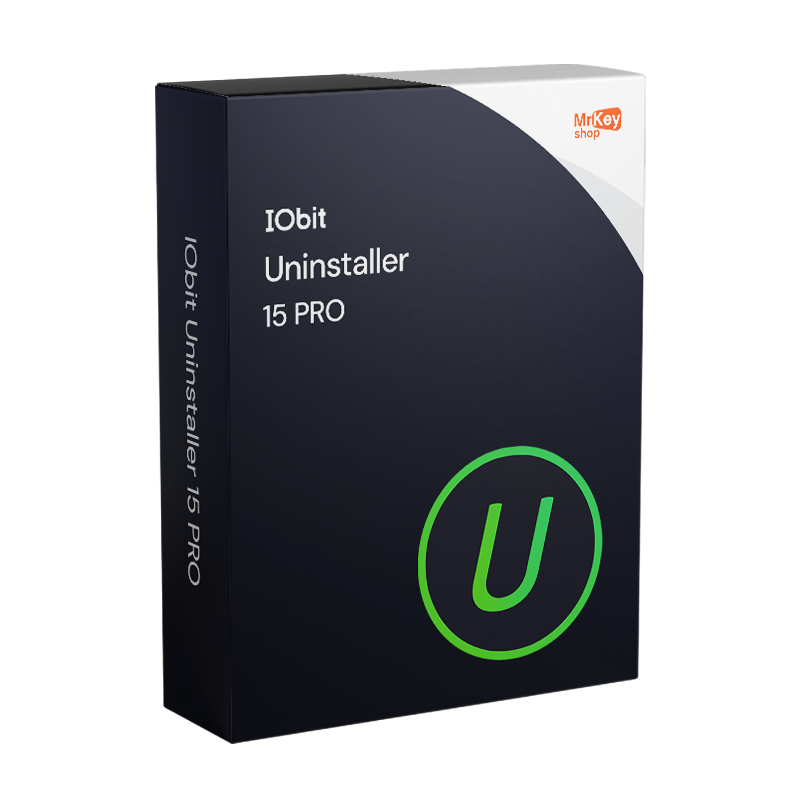
IObit Uninstaller 15 PRO
IObit Uninstaller 15 PRO - Genuine licence
IObit Uninstaller 15 PRO
IObit Uninstaller 15 PRO - Genuine licence

IObit Uninstaller 15 PRO - Genuine licence

Out of Stock

Receive an alert when the product is back.

danger Please accept the terms and conditions

Sold by: YouSoftware
License: 1 User/Computer
Region: Worldwide
Languages: All Languages Included

IObit

Are you a reseller? Join MKreseller

Take your business to the next level with a solid and recognized partner in the original software licensing industry. With Mr Key Shop, you get access to exclusive price lists for resellers, special terms, and free professional support for you and your customers.

What's more, with MrKeyWallet, you can get extra credits on every top-up and further increase your margins: the more you invest, the more you earn. A system designed for those who really want to scale up.

Join the MKreseller programnow and discover all the benefits reserved for partners.

System requirements

Component

Requirement

Operating system

Windows 11 / 10 / 8.1 / 8 / 7 (32 and 64 bit)

Architecture

x86, x64, ARM

Processor

1 GHz or higher

RAM

512 MB (1 GB recommended)

Disk space

200 MB of free space

Internet connection

Required for activation and database updates

Download IObit Uninstaller 15 PRO: installation file from the official IObit website

Downloading IObit Uninstaller 15 PRO takes just a few seconds directly from the official IObit website. The installation file is lightweight and requires no special prerequisites other than an active internet connection during the first launch.

  • Go to iobit.com and access the IObit Uninstaller download section
  • Download the .exe installation file directly from the official product page
  • Alternatively, the installation file can be accessed via the direct link cdn.iobit.com/dl/iobituninstaller.exe
  • Save the file to an easily accessible location before proceeding with the installation

Install IObit Uninstaller 15 PRO: installation wizard and initial options

Installing IObit Uninstaller 15 PRO is a quick process that requires no specific technical skills. During the installation wizard, pay attention to the additional installation options offered by the wizard to keep your system free of unwanted components.

  • Launch the downloaded .exe file by double-clicking it and accept the licence terms
  • Choose the destination folder or keep the default path suggested by the installer
  • On the additional options screen, deselect any unwanted bundled components before continuing
  • Complete the installation and launch IObit Uninstaller 15 PRO once the process is finished
  • On first launch, the software will perform an initial scan of the programmes installed on the system

Activate IObit Uninstaller 15 PRO: enter the product key and verify the licence

Activating IObit Uninstaller 15 PRO requires the product key received via email upon completion of the order. Activation takes place directly from the programme interface in just a few steps.

  • Launch IObit Uninstaller 15 after installation
  • On the main screen, locate the button or menu ‘Enter Code’ / ‘Enter Code’
  • Copy and paste the product key received via email into the appropriate field
  • Click on Activate to complete the procedure and unlock all PRO features

Check the licence status in the About or Account section of the programme

  • What is IObit Uninstaller 15 PRO?
    IObit Uninstaller 15 PRO is the advanced version of IObit's uninstaller, designed to completely remove programs, Windows apps, browser plugins, and bundleware, also deleting all leftover files, registry entries, and folders left by removed software. Unlike the free version, PRO includes features such as automated silent uninstallation, installation monitoring, deep leftover scanning, and advanced software health management.
  • What is the difference between IObit Uninstaller 15 PRO and the free version?

Feature

Free Version

PRO Version

Complete uninstallation with leftover cleanup

Yes (basic)

Yes (advanced)

Automated silent uninstallation

Limited

Full

Installation monitor

No

Yes

Deep leftover scan

Limited

Full

Stubborn program database

Basic

Over 4,000 titles

Hidden app permissions management

No

Yes

Advanced software health

Limited

Full

Priority support

No

Yes

  • When NOT to choose IObit Uninstaller 15 PRO?
    If your needs are limited to occasional uninstallation of common software, the free version may be sufficient. PRO is recommended for users managing multiple PCs, frequently removing stubborn software or bundleware, and requiring automated operations without manual intervention.
  • Is IObit Uninstaller 15 PRO compatible with Windows 11 and ARM devices?
    Yes. IObit Uninstaller 15 PRO is compatible with Windows 11, Windows 10, 8.1, 8, and 7, both 32-bit and 64-bit versions. Version 15 introduced native support for Windows on ARM architecture.
  • Does the PRO license cover multiple devices?
    The standard license of IObit Uninstaller 15 PRO is for a single device. For environments with multiple PCs, check the multidevice options available in the store at the time of purchase.
thumbs-up
Free Support
Email & Live Chat
smile
350K+
Happy customers
zap
Lightning-fast
Shipping in a few seconds
lock
100%
SSL Secure Payments
sun
18+
Years of success
thumbs-up
Free Support
Email & Live Chat
smile
350K+
Happy Customers
lock
100%
SSL Secure Payments
zap
Lightning-fast
Few seconds shipping
sun
18+
Years of Success
Loading...