


 Unfortunately your shopping cart is empty


 Returns
 Chat with Us
 About Us
 My Orders

 Twitter
 LinkedIn
 Meta
Meta

 $84.19
$133.21
$84.19
$133.21






Receive an alert when the product is back.
 Please enter an email address
Please accept the terms and conditions
Please enter an email address
Please accept the terms and conditions
| Sold by: | YouSoftware |
| License: | 1 User/Computer |
| Region: | Worldwide |
| Languages: | All Languages Included |

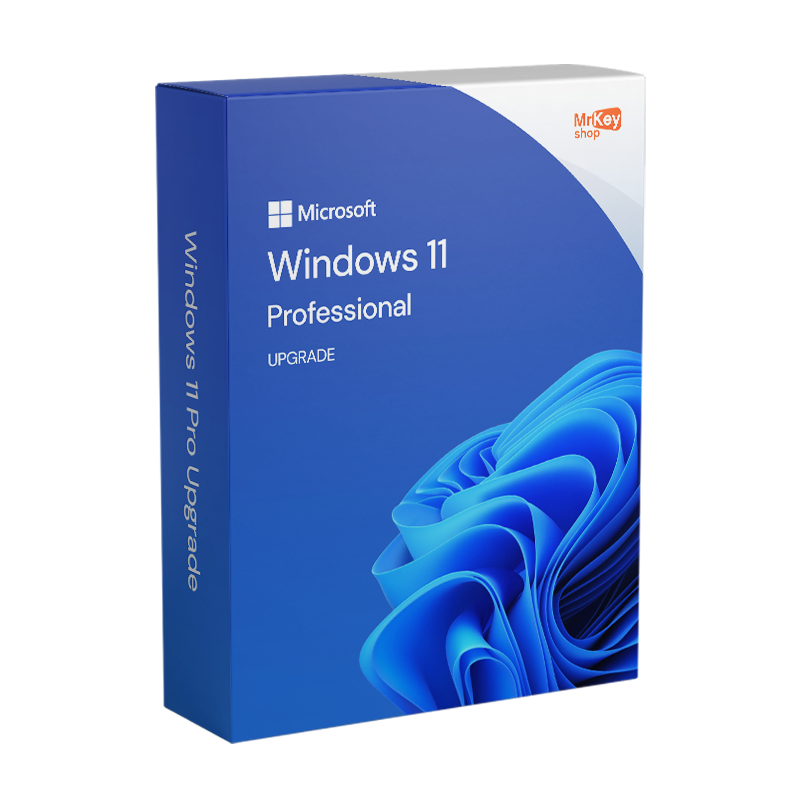
Upgrade to Windows 11 by purchasing your 100% genuine license from Mr Key Shop at a very good price. You’ll also get free, ENGLISH-SPEAKING technical support. Our team of experts will guide you through the upgrade process if you need it. Get your latest version of Microsoft OS now and enjoy all its benefits! Upgrading to Windows 11, you’ll get a new, revamped UI.
Windows 11 Pro features:
Upgrading to Windows 11, you will enjoy a more powerful, service-focused operating system that will optimize your user experience without sacrificing security and new features. We always recommend installing an Antivirus for Windows 11 to protect your device. Make a backup before upgrading to Windows 11 to protect important data and ensure business continuity in case of any problems during the upgrade process. Using a backup software for Windows 11 allows you to restore your system in case of problems during the upgrade, such as malfunctions or errors, thus avoiding data loss or the need for a complete reinstallation of the operating system.

If you have decided to upgrade Windows 11 Home to Pro, or upgrade from Windows 10 to 11, Mr Key Shop allows you to purchase an upgrade license at a very affordable price and with a money back guarantee. Digital delivery is one of our core values, allowing us to provide you with premium products, at competitive prices, with fast and professional service. You can upgrade Windows 11 immediately after your purchase, thanks to clear and simple instructions guiding you throughout the upgrade process. In case of issues, you can always count on our free, English-speaking customer service, always at your disposal!
Upgrading Windows 11 on Mr Key Shop, you’ll benefit from our professional, authorized, and express service, saving on your license price; plus, you’ll contribute to saving our planet! As a company, we believe in sustainability. This is why we adopted the digital business model: we send you our products via e-mail, reducing pollutants and waste generated by the physical goods transport system. Let’s save the world, one product key at a time!

Complete your secure transaction with safe payment methods. Once your order is complete, you’ll get an email with everything you need to upgrade to Windows 11:
Take your business to the next level with a solid and recognized partner in the original software licensing industry. With Mr Key Shop, you get access to exclusive price lists for resellers, special terms, and free professional support for you and your customers.
What's more, with MrKeyWallet, you can get extra credits on every top-up and further increase your margins: the more you invest, the more you earn. A system designed for those who really want to scale up.
Join the MKreseller programnow and discover all the benefits reserved for partners.
| Processor | 1GHz or higher, 8th generation processor onwards |
| RAM | 4 GB |
| Storage | 64 GB |
| Firmware | UEFI, compatible with Secure Boot |
| TPM | Trusted Platform Module 2.0 |
| GPU | DirectX 12 or higher with WDDM 2.0 driver |
| Display | 720p, 8-bit, min. 9" |
| Internet & Microsoft account | Windows 11 Professional requires an active Internet connection and a Microsoft Account to complete the setup process. |
1. How can I check if my PC is compatible with Windows 11 Pro?
You can download Microsoft's official PC Health Check tool. This software analyses your computer and checks its compatibility with Windows 11 Pro.
2. Can I upgrade to Windows 11 Pro for free?
The free upgrade is only available to those who have a valid Windows 10 Pro licence. Alternatively, you can purchase a Windows 11 Pro product key and proceed with the installation. Microsoft offers the free upgrade via Windows Update, provided your PC meets the minimum system requirements.
3. How do I upgrade from Windows 10 Pro to Windows 11 Pro?
4. What should I do if I encounter problems during the update?
If you encounter problems, check the following:
5. Can I upgrade directly from Windows 10 Home to Windows 11 Pro?
No, you must first upgrade from Windows 10 Home to Pro. After that, you can proceed with the installation of Windows 11 Pro.
6. How long does the upgrade take?
The upgrade can take anywhere from 30 minutes to an hour, depending on your PC's performance and your internet connection speed.
Need more information? Contact us for personalised assistance!
Upgrading from Windows 11 Home to Windows 11 Pro is a simple and fully automated process that does not require reinstalling the operating system or losing your data.
To get started, you need a valid Windows 11 Pro licence, which can be purchased on this page.
Once you have obtained the activation code:
Within this screen, you will find the option ‘Upgrade your edition of Windows’: by clicking on ‘Change Product Key’, you can enter the new Windows 11 Pro key.
After confirming, the system will automatically verify the validity of the code and start updating the edition. During the process, your personal files, settings and installed programmes will remain unchanged, avoiding any risk of data loss. Once the operation is complete, your PC will restart and you can immediately start using all the advanced features of Windows 11 Pro.






 Chat with us
 Ita
Ita
 Eng
Eng
 Deu
Deu
 Esp
Esp
 Fra
Fra