


 Unfortunately your shopping cart is empty


 FAQs
FAQs
 Returns
 Chat with Us
 About Us

 Twitter
 LinkedIn
 Meta
Meta
 Copy Link


 $95.91
$106.57
$95.91
$106.57
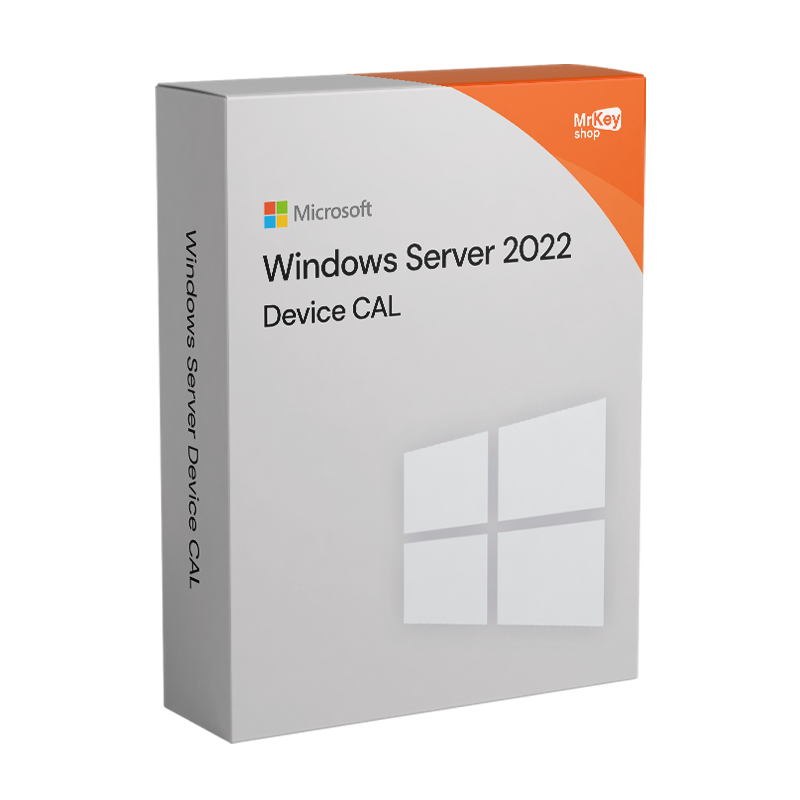




Buy the Windows Server 2022 Device CAL licenses available from Mr Key Shop. Order at the best price and receive them immediately, to deploy to your customers or staff’s devices. With us, you can save over the price list and cut the downtime, with fast professional service designed to deliver every order digitally within a few seconds from the purchase.
WARNING: This page relates to the Windows Server 2022 DEVICE CAL licenses to be associated with discrete devices. If you need a license for Microsoft Windows Server 2022 click here, alternatively visit this page if you wish to buy your Windows Server 2022 USER CAL licenses to allocate to nominal users.
Mr Key Shop’s catalog offers the Windows Server 2022 Device CAL licenses, from 1 to 50 devices, you can deploy right after the purchase with no downtime. CALs for your Windows Server 2022 instance will be associated with single devices and activated when needed, with no expiry dates. Only Mr Key Shop allows you to save over the suggested price and instantly receive your orders with our Digital Delivery Service. Attached to the recap email you’ll find your DEVICE CALs for Windows Server 2022, together with accurate and clear instructions to proceed with deployment and activation. If you’re not sure about which and how many CALs you need to order, ask your IT experts or contact our free English-speaking Customer Support, always at your disposal!
Mr Key Shop is among the first stores that embraced the digital market. For more than 18 years, we have successfully served over 350k customers across the world. We’ve got an Excellent rating on TrustPilot and we based our business on three pillars: fast service, simple processes, and full reliability of our brand. We know how valued is time for your business; for this reason, Mr Key Shop’s Digital Delivery model has been designed to ensure immediate delivery for each order right after the purchase. Here you can shop with full confidence, with SSL payment methods from the best vendors (PayPal, Stripe, Amazon, Google, Apple, and more) and a full money-back warranty.
Our team of experts is committed to ensuring excellent service with top-notch products, 100% genuine and guaranteed licenses, and instant processing times. When you order a digital product from Mr Key Shop, like your DEVICE CALs for Windows Server 2022 or any other product like Windows 11 Professional, Office 2021 Professional, or Windows SQL Server 2019, you can save over the MSRP, cut downtime with instant delivery, and help us protect the environment. Our digital ethics are bound to our sustainability-focused culture: we chose not to ship any physical goods, both to cut costs and waiting times (no couriers, no mistakes or delays), but also to reduce pollution and waste. Mr Key Shop is and will always be an Eco-Friendly Company!
At the end of your purchase, we’ll send you a recap email for your Windows Server 2022 DEVICE CAL order, with the following:
Windows Operating Systems: Windows 11 - Windows 10 - Windows 8 - Windows 7
Microsoft Office packages: Office 2024 - Office 2021 - Office 2019 - Office 2016 - Office 2013 - Office 2010 - Office for MAC - Microsoft 365 - Office App - Visual Studio - Project - Access - Visio - Outlook - Word - Excel - PowerPoint
Antivirus: Kaspersky - ESET - McAfee - Avast -Bitdefender - Norton - AVG - Acronis - Surfshark- IObit - Watchdog - Panda - Server Antivirus
VPN: HMA VPN - NordVPN - Surfshark - Cyberghost
Microsoft Server: Server 2025 - Server 2022 - Server 2019 - Server 2016 - Server 2012 - Storage Server 2016 - Storage Server 2012 - Server CAL - RDS CAL Server - SQL Server
Utilities: PDF converters - Disk Cleanup - Data Management - Screen Recorder - Invoicing Software - Backup Software - Data Recovery - Disk Partitioning - Deployment - 3D Modeling - Remote Desktop - Editing -Video Converter - Virtualization - Graphics
CAD: Autodesk - ZWSOFT – Rhino 3D - Ashampoo
Bundle: Software for Creators - Software for Gamers - Software for the Family - Software for Smart Working - Software Bundle for SMEs & Startups - Software bundle for students
Take your business to the next level with a solid and recognized partner in the original software licensing industry. With Mr Key Shop, you get access to exclusive price lists for resellers, special terms, and free professional support for you and your customers.
What's more, with MrKeyWallet, you can get extra credits on every top-up and further increase your margins: the more you invest, the more you earn. A system designed for those who really want to scale up.
Join the MKreseller programnow and discover all the benefits reserved for partners.
|
Requirement |
Details |
|
Compatible server |
Windows Server 2022 Standard or Datacenter |
|
Licensing model |
Per Core/CAL: the server is licensed by core and access requires the appropriate CALs |
|
License type |
Device CAL: one specific device can be used by an unlimited number of users to access compatible Windows Server systems |
|
Alternative |
User CAL: one specific user can access compatible Windows Server systems from an unlimited number of devices |
|
Installation and activation |
The Device CAL is an access right and does not require software installation or technical activation on the server |
|
Covered access |
Direct or indirect access to the core functionality of properly licensed Windows Server systems |
|
Remote Desktop Services |
Not included: an appropriate Windows Server RDS CAL is also required to use RDS functionality |
|
CAL reassignment |
The CAL may generally be reassigned to another device no sooner than 90 days, except where Microsoft licensing terms provide otherwise |
|
Client devices |
The license is assigned to the device; technical compatibility depends on the Windows Server service and client being used |
|
Version compatibility |
Windows Server 2022 Device CAL allows access to Windows Server 2022 and compatible earlier versions, but not Windows Server 2025 |
|
Support status |
Windows Server 2022 is in mainstream support until October 13, 2026 and extended support until October 14, 2031 |
La licence CAL par appareil pour Windows Server 2022 ne nécessite aucun téléchargement de fichier sur l'appareil client : en l'achetant sur Mr Key Shop, vous recevez par e-mail le code de licence Microsoft d'origine ainsi que la documentation nécessaire pour procéder à l'enregistrement. La licence d'accès client (CAL) par appareil est un titre d'accès lié à l'appareil physique, et non à l'utilisateur, et couvre toutes les connexions aux services Windows Server 2022 provenant de ce poste, quel que soit le nombre de personnes qui l'utilisent. C'est la solution conçue pour les environnements comportant des postes fixes, des terminaux partagés et des appareils à usage mixte.
L'ensemble de la procédure s'effectue côté serveur : aucune intervention n'est requise sur les appareils clients. À l'aide d'un compte administrateur, accédez à Gestionnaire de serveur → Outils → Gestion des licences des services Bureau à distance, ou aux outils de licence Active Directory pour les licences d'accès client (CAL) standard. Assurez-vous que le mode de licence est défini sur « Par appareil », puis lancez l’assistant d’ajout de licences en saisissant le code reçu et en sélectionnant Windows Server 2022 comme version de référence. Les licences sont immédiatement disponibles dans le pool d’attribution une fois l’enregistrement terminé.
Le serveur attribue automatiquement une licence d'accès client (CAL) par périphérique à celui-ci lors de la première connexion valide enregistrée après le chargement des licences. L'attribution reste stable dans le temps : tous les utilisateurs accédant au serveur depuis ce périphérique sont couverts par une seule licence, sans consommation supplémentaire à chaque changement d'utilisateur. L’administrateur peut surveiller les attributions actives depuis la console de gestion des licences et effectuer des réattributions manuelles si nécessaire. Le code original reçu de Mr Key Shop est prêt à être utilisé dans l’assistant sans validation intermédiaire supplémentaire.
|
Feature |
Device CAL |
User CAL |
|
Licence linked to |
Physical device |
Named user |
|
Multiple users on the same device |
Yes, all covered |
No, each user has their own CAL |
|
Access from multiple devices |
No, only from the assigned device |
Yes, from any device |
|
Ideal for |
Fixed workstations, shared terminals |
Mobile users, BYOD, multi-device |
|
Assignment |
Automatic, per device |
Automatic, named |
|
Re-assignment |
Manual by the administrator |
Manual by the administrator |


 $95.91
$106.57
$95.91
$106.57
 $84.19
$133.21
$84.19
$133.21
 $213.15
$255.78
$213.15
$255.78
 $223.81
$266.44
$223.81
$266.44
 $94.85
$133.21
$94.85
$133.21

 Chat with us
 Ita
Ita
 Eng
Eng
 Deu
Deu
 Esp
Esp
 Fra
Fra