


 Unfortunately your shopping cart is empty


 Returns
 Chat with Us
 About Us
 My Orders

 Twitter
 LinkedIn
 Meta


 $138.54
$515.84

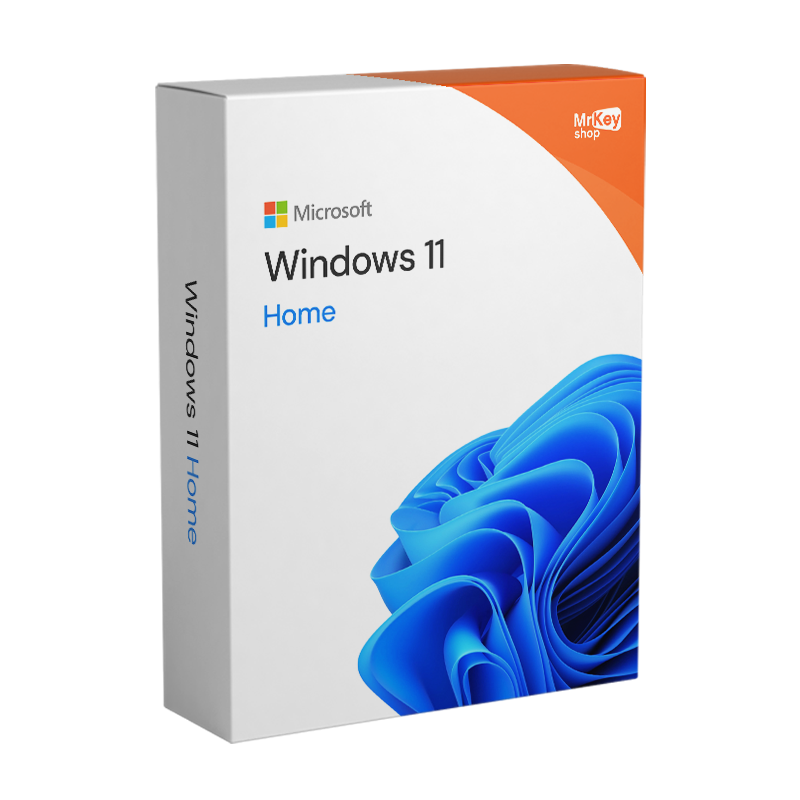


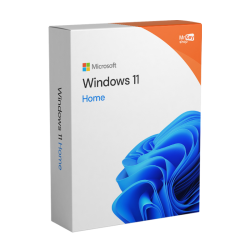


Buy a Windows 11 Home licence on Mr Key Shop and save! Here’s the brand-new version of Microsoft’s most popular operating system. Windows 11 has been revamped both visually and functionally, offering users cutting-edge features to optimise PC resources and maximise the gaming experience, thanks in part to improved integration with Microsoft Xbox Game Pass services. Entertainment, content creation and even professional activities at the highest level: harness the power of new hardware technologies such as DirectStorage to optimise loading times and performance in your favourite games, and enjoy full compatibility with the new Office Home & Student 2021, to optimise your productivity too! Even in its home user version, with Windows 11 Home, Microsoft has not skimped on security, making full use of the TPM on modern motherboards.
Windows 11 Home has established itself as the definitive choice for home users, students and gamers looking for a responsive, secure system that is deeply integrated with Artificial Intelligence.
Here are the technical reasons why you should buy a Windows 11 Home licence today:
By 2026, Windows 11 Home will no longer be just a container for apps, but an active assistant. Thanks to new AI features:
For gamers, Windows 11 Home has become indispensable. With the 2026 updates, Microsoft has introduced:
Unlike pirated or outdated versions, Windows 11 Home includes:
Windows 11 Home is the edition designed for home and personal use and includes all the main new features of Windows 11 in terms of graphics, productivity, security and entertainment.
Interface and everyday use
Productivity and collaboration
Games and entertainment
Security and access
Other advanced features
Hyper-V on Windows 11 Home is not available natively as a virtualisation option. Home edition users who wish to use virtualisation can opt for alternatives such as VirtualBox or VMware Workstation Player, which offer similar functionality. To access Hyper-V, you’ll need to upgrade to a more advanced version of Windows 11, such as Windows 11 Pro or Enterprise, which include this feature alongside other professional and business-oriented capabilities.
By purchasing a Windows 11 Home licence, you’ll get an operating system focused on services that optimises your user experience, with enhanced security and cutting-edge features. We also recommend installing one of the best antivirus programmes for Windows 11 to protect your device. If you’re planning to upgrade your operating system from Windows 10 to Windows 11, use a backup software for Windows 11, which is compatible with both versions. This will allow you to perform backups and restores, avoiding any issues during the upgrade process.
|
Feature |
Windows 11 Home (2026) |
Windows 10 Home |
|
Security support |
✅ Comprehensive and up to date |
⚠️ Being phased out (October 2025) |
|
AI (Copilot) |
✅ Native and in-depth |
❌ Limited / Absent |
|
Gaming optimisation |
✅ DirectStorage / Auto HDR |
❌ Not available |
|
Interface |
Modern and customisable |
Traditional and static |
|
Battery efficiency |
✅ Optimised for 2026 laptops |
❌ Higher power consumption |
Buy Windows 11 Home from Mr Key Shop and you’re guaranteed a great price; you can take advantage of the latest technological innovations without having to spend a fortune. What’s more, thanks to Mr Key Shop’s numerous exclusive offers and promotions, you’ll have the chance to find Windows 11 Home at an even more affordable price. Don’t miss the chance to invest in an operating system that will enhance your user experience at an affordable price: choose Windows 11 Home from Mr Key Shop and enjoy the future of technology with reliable service and a secure shopping experience.
As well as saving significantly on the list price of a Windows 11 Home product key, you’ll receive an email containing everything you need to download, install and activate Windows 11 Home on your PC.
Take your business to the next level with a solid and recognized partner in the original software licensing industry. With Mr Key Shop, you get access to exclusive price lists for resellers, special terms, and free professional support for you and your customers.
What's more, with MrKeyWallet, you can get extra credits on every top-up and further increase your margins: the more you invest, the more you earn. A system designed for those who really want to scale up.
Join the MKreseller programnow and discover all the benefits reserved for partners.
| Processor | 1GHz or higher, 8th generation processor onwards |
| RAM | 4 GB |
| Storage | 64 GB |
| Firmware | UEFI, compatible with Secure Boot |
| TPM | Trusted Platform Module 2.0 |
| GPU | DirectX 12 or higher with WDDM 2.0 driver |
| Display | 720p, 8-bit, min. 9" |
| Internet & Microsoft account | Windows 11 Home requires an active Internet connection and a Microsoft Account to complete the setup process. |
Download Windows 11 Home within a few seconds from your purchase, follow the instructions and install your new Microsoft Operating System right away. This is made possible by digital delivery, Mr Key Shop’s business model to provide you with bargain-priced products, immediate delivery, and activation within a few instants from your checkout. All orders are completed via secure and tracked payment methods, for your peace of mind! Order your Windows 11 Home product key with confidence and don’t worry! You’re also covered by our money-back warranty. Read our feedbacks to see more about Mr Key Shop's experience! As you’ll save over the MSRP, you’ll also avoid any waiting times or other inconvenience: you’ll immediately receive a 100% genuine Windows 11 Home license, with clear and accurate instructions, as well as an official download link. In case of doubt or questions, your technical assistance is always at your disposal, in English and for free!

Installing Windows 11 Home on your PC using a digital license today becomes an ethical choice. Mr Key Shop is an eco-friendly company, and we truly believe in the digital world – by combining these two visions, we offer Premium products like Windows 11 Home without the need to physically deliver them. By doing so, you can enjoy real-time delivery, as well as contribute to protecting the environment. No couriers, no exhaust gases, no polluting packaging. We’re a green company!
Activating Windows 11 Home is an important step to ensure that you can take advantage of all the features offered by the operating system and receive support and updates from Microsoft. Activation usually occurs automatically during installation, provided you enter a valid Windows 11 Home product key or upgrade from a previous version of Windows that has already been activated (this is only possible from Windows 10 to Windows 11). In case activation does not happen automatically, you can enter the product key code manually through Windows 11 Settings. Activation ensures the authenticity of the software, helping to protect you from possible threats to the security of your data, providing a better user experience in the long run. Activate Windows 11 Home and enhance your experience by also downloading Office 2021.
1. What is a Windows 11 Home digital licence?
A digital licence, also known as a digital entitlement, allows you to activate Windows 11 without having to manually enter a product key. This licence is tied to your device's hardware and, in some cases, your Microsoft account, making future reinstallations easier.
2. How do I upgrade from Windows 11 Home to Windows 11 Pro?
To switch from Windows 11 Home to Pro, follow these steps:
If you do not have a licence key, you can purchase one from the Mr Key Shop catalogue.
3. Can I transfer my Windows 11 Home digital licence to another computer?
Digital licences are usually associated with the device on which they were initially activated. However, if the licence is linked to your Microsoft account, you may transfer it to another computer, provided you remove it from the previous device. Please note that OEM licences are not transferable.
4. What happens if I change my PC's hardware?
If you make significant changes to your hardware, such as replacing the motherboard, your licence may no longer be valid. In such cases, you can try to reactivate it using the activation troubleshooter, accessible from Settings > System > Activation.
5. Can I upgrade from Windows 10 Home to Windows 11 Home for free?
Yes, if your device meets the requirements, you can upgrade to Windows 11 Home for free. We recommend checking your PC's compatibility before starting the process.
6. Where can I find the product key for Windows 11 Home?
If you purchased a digital licence for Windows 11 Home, you usually do not need a product key, as activation occurs automatically when you connect to your Microsoft account or your PC hardware. However, if you need to retrieve the code, here's how to do it:
Purchase confirmation email:
Check the confirmation email you received after purchasing the licence. The product key is provided directly in the email.
Authorised retailer:
If you purchased your digital licence through Mr Key Shop, check the instructions provided at the time of delivery. We will send it to you by email and make it available in your account on our website.
Software pre-installed on your device:
If Windows 11 Home was already installed on your PC and you have a digital licence, the code may not be visible. In this case, activation occurs automatically and you do not need to enter it manually.
To check the status of your licence, go to Settings > System > Activation. If it is active, you will not need to retrieve the product key.
Windows 11 requires specific hardware requirements to ensure maximum security: a 64-bit processor at 1GHz+, 4GB of RAM (recommended 16GB for AI features) and, most importantly, the TPM 2.0 chip. If your PC is less than 5–6 years old, it is likely compatible. You can verify this by downloading Microsoft’s official PC Health Check app.
Copilot+ PCs are a new category of hardware introduced in 2026 equipped with an NPU (Neural Processing Unit) to run AI locally. The license purchased on Mr Key Shop is fully valid for these devices. However, to unlock advanced AI features (such as Recall or Cocreator), your hardware must support at least 40 TOPS of neural computing power.
It’s very simple and does not require formatting your PC. If you purchase a Windows 11 Pro Upgrade on Mr Key Shop, simply go to Settings > System > Activation > Change product key. By entering the new key, the system will automatically unlock the Pro features (such as BitLocker and Remote Desktop) within a few minutes.
After installing Windows 11, you have 10 days to return to Windows 10 while keeping your files and apps (through the Recovery function). However, this is strongly discouraged: Windows 10 no longer receives critical security updates since 2025, exposing your PC to vulnerabilities that hackers exploit daily.
Not necessarily. If your PC meets the minimum requirements, you can perform an "In-Place" upgrade that keeps all your documents, photos and programs intact. Mr Key Shop will provide you with a detailed guide explaining how to start the upgrade directly from your current Windows environment.
The base installation requires about 64 GB of free space. However, thanks to the new 2026 file system compression technologies, the actual footprint is comparable to its predecessor. For an optimal experience with AI features, we recommend using an NVMe SSD.
13. Is a cheap Windows 11 Home key legitimate?
It depends on what is being sold. A genuine licence released by a business and resold is legitimate and does cost much less than a first-hand one. A key priced at a couple of dollars is usually a volume or educational key that will stop activating. The test is whether the seller states the licence type, provides an official Microsoft download link and issues an invoice.
14. Do generic Windows 11 Home keys work?
Not for activation. Generic keys are published by Microsoft so technicians can complete an installation or switch between editions without activating. They get Windows installed and leave it unactivated, which means no normal patch cadence and a permanent watermark. Any page offering a free Windows 11 activation key is offering something that does not exist.
15. Is this a Retail or an OEM Windows 11 Home key?
Retail. It links to your Microsoft account rather than to your motherboard, so you can reinstall it without limit and move it to a new computer by deactivating the previous one. An OEM key, which is what most very cheap listings are, stays bound to the first machine it activates.
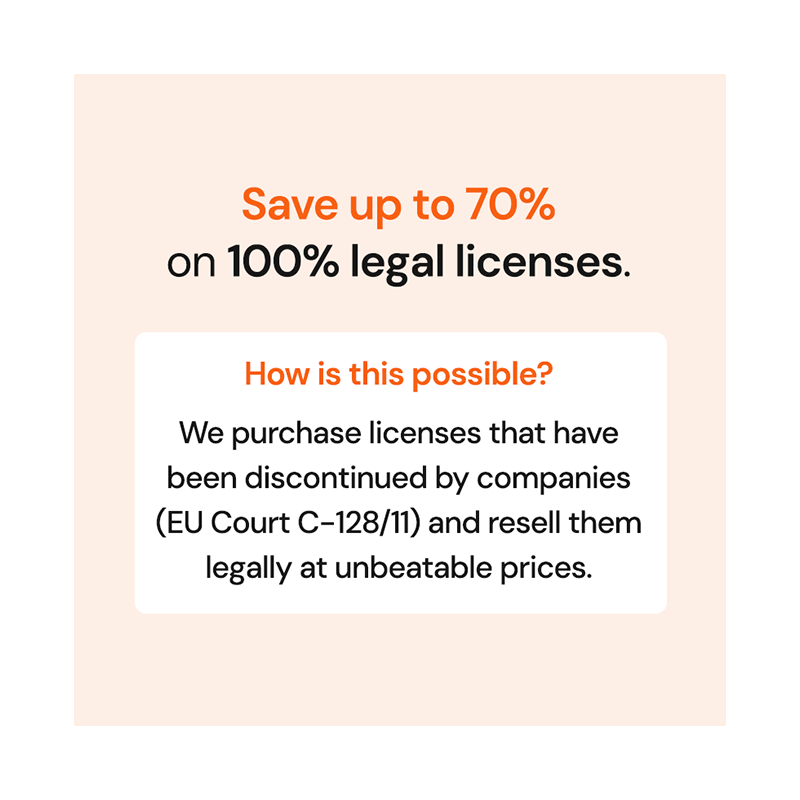
16. Why is a Windows 11 Home key so much cheaper here than at Microsoft?
Because the license is second-hand, not second-rate. Microsoft lists Windows 11 Home at $139. What you buy here is a genuine perpetual license released by a business that no longer needs it, and the saving is the difference between a first-hand license and a released one. The license itself is identical: same Microsoft activation, same updates, same rights.
The price is still a signal worth reading. A Windows 11 key in the $15 to $35 range, from a seller who states the license type and issues an invoice, is a normal resale. A key priced at one or two dollars is something else: a volume key issued to an organization, an educational key, or an OEM key already bound to somebody else's motherboard. All three activate at first and can be deactivated later.
Three checks anyone can make, on us or on any seller: is the license type stated in writing, does the download link point to Microsoft, and is there a company behind it with an address and an invoice?
17. Do the free Windows 11 product keys posted online work?
No, and they are not stolen keys either. They are generic keys that Microsoft publishes so technicians can complete an installation or switch a system between editions. You will see them reposted on forums, code-sharing sites and PDF lists as free activation keys. They install Windows and leave it unactivated: no personalization, a permanent watermark on the desktop, and no normal update schedule. There is no free activation key for Windows 11 Home, or for any other edition.
18. Is a Windows 11 Home key the same as a CD key or an activation key?
Yes. A Windows 11 Home CD key, product key and activation key are three names for the same 25-character code. CD key is the oldest of the three: it comes from the years when Windows shipped on a disc and the code was printed on the sleeve inside the box. There is no disc any more, but the name stuck. What changed is the delivery, not the license: the code arrives by email, and it activates exactly the same way.
Need more information? Contact us for personalised assistance!


 $117.23
$515.84
 $94.85
$133.21

 Chat with us
 Ita
 Eng
 Deu
 Esp
 Fra