


 Unfortunately your shopping cart is empty


 FAQs
FAQs
 Returns
 Chat with Us
 About Us

 Twitter
 LinkedIn
 Meta
Meta
 Copy Link



 £93.87
£215.30
£93.87
£215.30





|
Information Product key delivered via email. During peak periods, delivery may take up to 12 hours on weekdays and up to 24 hours at weekends. |
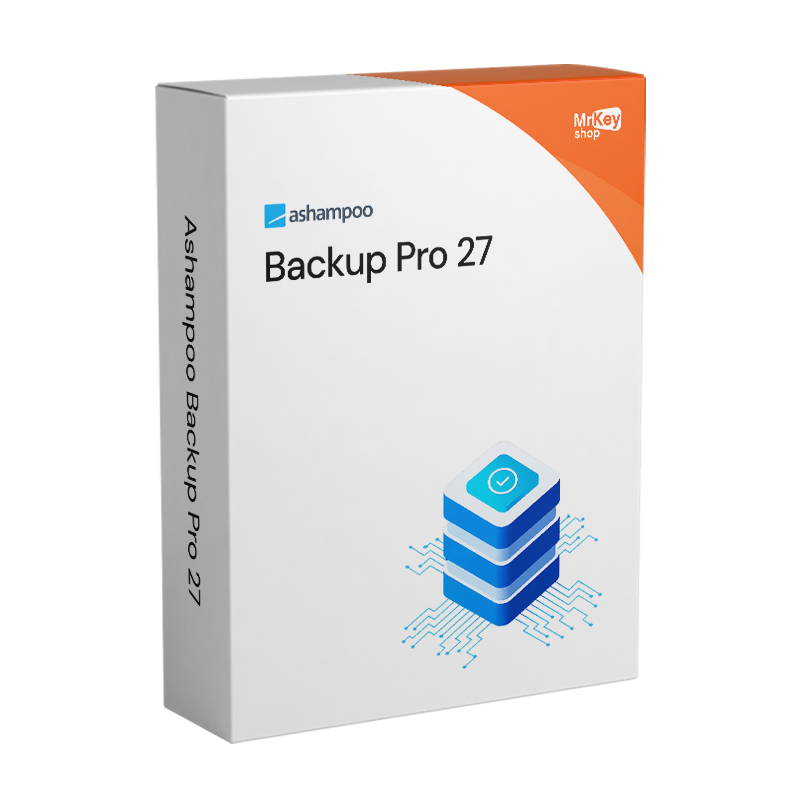
Purchasing a licence for Ashampoo Backup Pro 27 means entrusting the protection of your data to a Windows backup solution that combines ease of use with technically advanced features, using an approach that requires no specific system administration skills. Version 27 represents the most significant interface overhaul in the product’s history: the wizard, Easy Backup and templates have been consolidated into a single guided workflow that takes the user through the creation of a backup plan in just a few steps, with all settings accessible from a single, compact page. The new centralised dashboard shows, at a glance, the status of all active backup plans, execution statistics, the SMART status of all connected drives and any detected issues. The new side panel provides immediate access to logs, reports and parameters for each plan without having to open separate screens. In terms of performance, cloud backups are up to 30% faster than in the previous version, and file-based backups also benefit from an optimised engine that requires fewer system resources and completes in less time.
The technological heart of Backup Pro 27 is infinite reverse incremental imaging technology: each backup takes up as little space as possible thanks to four supported compression methods, offering savings of up to 50% compared to other backup solutions, whilst retaining the ability to restore any previous version of the system or files. The new Backup Explorer allows direct access to individual files contained within image backups without having to initiate a full restore process or mount virtual drives: simply select the file and restore it. The Check & Repair function performs a real-time check of drives with a single click, detecting sector errors and repairing them immediately, with multiple drives processed automatically in sequence. BitLocker support has been extended in version 27 to include all unlock methods – Smartcard, TPM and PIN – with encrypted drives directly accessible and integrable into backup schedules without any additional steps. The bootable emergency recovery system allows you to recover the system even when Windows fails to start, with a guided recovery environment that handles system crashes, malware, faulty drivers and failed updates.
|
Feature |
Details |
|
Version |
Ashampoo Backup Pro 27 |
|
Developer |
Ashampoo GmbH & Co. KG |
|
Licence type |
Perpetual, one-off purchase, no recurring fees |
|
Supported systems |
Windows 11, 10 (x64) |
|
Backup technology |
Infinite reverse incremental, up to 50% space saving compared to other solutions |
|
Backup Explorer |
Yes, direct access to files from image backups without a full restore (new in v.27) |
|
Check & Repair |
Yes, one-click check and repair with integrated BitLocker support (new in v.27) |
|
BitLocker support |
Extended in v.27: Smartcard, TPM, PIN, direct unlocking within the programme |
|
Cloud backup speed |
Up to 30% faster than the previous version (new in v.27) |
|
Centralised dashboard |
Yes, plan status, statistics, SMART units and alerts in a single view |
|
Backup destinations |
Local drive, USB, network, NAS, cloud (Dropbox, OneDrive, Google Drive, OneDrive for Business, OwnCloud, Nextcloud, Strato, 1&1 and others) |
|
Real-time backup |
Yes, up-to-date file change monitoring, automatic integration into the schedule |
|
Emergency recovery |
Yes, bootable system for recovery in the event of a crash, malware or failed boot |
|
Plug & Play backup |
Yes, plan runs automatically when the storage device is connected |
|
Size limit |
Partitions or devices with a size ≥ 8 TB are not supported |
Once your purchase is complete, you’ll receive everything you need to protect your data straight away via email. Here’s what your licence includes:
Every licence distributed by Mr Key Shop is genuine and guaranteed: buying Ashampoo Backup Pro 27 means receiving an original perpetual licence directly via email, with no physical delivery or waiting times. No logistics involved; up and running in minutes. Payments are processed via a secure SSL connection using PayPal (including interest-free instalments over 3 payments), Stripe, Amazon Pay, Apple Pay, Google Pay, and credit and debit cards. For the Windows workstation protected by Backup Pro, the Windows 11 Pro licence ensures the most up-to-date platform with native BitLocker and advanced security features – tools that Backup Pro 27 integrates directly. Those maintaining established systems will find that the Windows 10 Pro product key a stable platform that is fully supported by Backup Pro 27. For office productivity on the same machine protected by the backup,Office 2024 Professional Plus covers Word, Excel, PowerPoint and Outlook with a perpetual licence. Those who prefer apps that are always up to date with integrated OneDrive – one of the cloud destinations supported by Backup Pro – will find the subscription Microsoft 365 Personal the natural complement. For secure browsing and connections to cloud backup services over unsecured networks,NordVPN encrypts traffic across all devices. For managing PDF documents relating to contracts, business procedures and IT documentation,Nitro PDF covers conversion, annotation and digital signing. For system optimisation and the removal of unnecessary software before starting a backup plan, CCleaner Professional keeps your PC optimised. For those who combine backup management with design work, the licenceAutodesk Inventor Pro Commercial is available from the same store with the same guarantees. Every purchase on Mr Key Shop is 100% digital: no postage, no packaging, just delivery by email.
Windows Operating Systems: Windows 11 - Windows 10 - Windows 8 - Windows 7
Microsoft Office packages: Office 2024 - Office 2021 - Office 2019 - Office 2016 - Office 2013 - Office 2010 - Office for MAC - Microsoft 365 - Office App - Visual Studio - Project - Access - Visio - Outlook - Word - Excel - PowerPoint
Antivirus: Kaspersky - ESET - McAfee - Avast -Bitdefender - Norton - AVG - Acronis - Surfshark- IObit - Watchdog - Panda - Server Antivirus
VPN: HMA VPN - NordVPN - Surfshark - Cyberghost
Microsoft Server: Server 2025 - Server 2022 - Server 2019 - Server 2016 - Server 2012 - Storage Server 2016 - Storage Server 2012 - Server CAL - RDS CAL Server - SQL Server
Utilities: PDF converters - Disk Cleanup - Data Management - Screen Recorder - Invoicing Software - Backup Software - Data Recovery - Disk Partitioning - Deployment - 3D Modeling - Remote Desktop - Editing -Video Converter - Virtualization - Graphics
CAD: Autodesk - ZWSOFT – Rhino 3D - Ashampoo
Bundle: Software for Creators - Software for Gamers - Software for the Family - Software for Smart Working - Software Bundle for SMEs & Startups - Software bundle for students
Take your business to the next level with a solid and recognized partner in the original software licensing industry. With Mr Key Shop, you get access to exclusive price lists for resellers, special terms, and free professional support for you and your customers.
What's more, with MrKeyWallet, you can get extra credits on every top-up and further increase your margins: the more you invest, the more you earn. A system designed for those who really want to scale up.
Join the MKreseller programnow and discover all the benefits reserved for partners.
|
Component |
Requirement |
|
Operating system |
Windows 11 / 10 (64-bit) |
|
System privileges |
Full administrative rights required |
|
Internet connection |
Required for licence activation and periodic verification |
|
Size limitation |
Partitions or devices with a size ≥ 8 TB are not supported |
Once you have received the licence code by email from Mr Key Shop, download the Ashampoo Backup Pro 27 installation file directly from the official portal at ashampoo.com in the product’s download section, or via the direct link included in the confirmation email. The file includes all the software components, including Backup Explorer and the bootable emergency recovery system. Before downloading, check that you have sufficient disk space and that your Windows account has full administrative rights.
Installation takes place via a wizard that completes the process in just a few minutes. For the software to function correctly, you need full administrative rights on the Windows system and an active internet connection for initial activation. Once installation is complete, the programme launches onto the new centralised dashboard, from which you can create your first backup plan in just a few guided steps by choosing what to back up – files, partitions or the entire system – and where to save it, selecting from the available local, network or cloud destinations. For BitLocker-encrypted drives, the software guides you through the unlocking process directly within the interface without having to exit the programme.
Activation is carried out by entering the licence code received via email on the registration screen when Ashampoo Backup Pro 27 is launched for the first time, or via your account on the ashampoo.com portal. Creating a free Ashampoo account allows you to store all your purchased codes: should you need to reinstall your operating system or replace your hard drive – precisely the scenarios in which backup software is most valuable – the code remains accessible via your personal account without any risk of loss. The licence is periodically verified online whilst you are using the software.
What is Ashampoo Backup Pro 27 and what does it protect?
Ashampoo Backup Pro 27 is backup and recovery software for Windows that protects individual files, partitions and the entire operating system from data loss caused by hardware malfunctions, malware and ransomware attacks, update errors and system crashes. Backups are saved to a local drive, USB, NAS, local network or cloud services such as Dropbox, OneDrive, Google Drive and many others. In the event of a serious failure, the bootable recovery system allows you to recover Windows even when it no longer starts up. Version 27 introduces Backup Explorer for direct access to individual files within image backups, one-click Check & Repair, and cloud backups that are up to 30% faster.
What is infinite reverse incremental technology and why does it save space?
Infinite reverse incremental technology always saves the most recent full system image and stores the differences from previous versions as separate, small-sized increments. Unlike traditional incremental backups, which require the complete chain of all increments for restoration, with this technology a single file is sufficient to restore any version. The result is up to 50% savings in disk space compared to other solutions, with faster restoration times and backups that can always be accessed regardless of the order in which they were created.
What does the new Backup Explorer in Ashampoo Backup Pro 27 do?
The Backup Explorer is one of the key new features of version 27: it allows you to browse the contents of image backups and extract individual files or folders directly, without having to initiate a full restore process or mount virtual drives. It’s the ideal solution for recovering an accidentally deleted document or a previous version of a file without having to restore the entire system. Access is available directly from the programme’s dashboard.
When should you NOT choose Ashampoo Backup Pro 27?
Ashampoo Backup Pro 27 does not support partitions or storage devices with a capacity of 8 TB or more: anyone managing large archives on drives of this capacity should check this limitation before purchasing. For enterprise environments requiring centralised backups across dozens of servers, granular policy management and advanced reporting for compliance, dedicated enterprise solutions are more suitable. For home users, individual professionals and SMEs with medium-sized Windows infrastructures, however, Backup Pro 27 offers a level of reliability and functionality that is hard to match at this price.


 £93.87
£215.30
£93.87
£215.30
 £68.03
£129.18
£68.03
£129.18
 £102.48
£215.30
£102.48
£215.30



 Chat with us
 Ita
Ita
 Eng
Eng
 Deu
Deu
 Esp
Esp
 Fra
Fra