


 Unfortunately your shopping cart is empty


 FAQs
FAQs
 Returns
 Chat with Us
 About Us

 Twitter
 LinkedIn
 Meta
Meta
 Copy Link


 $116.16
$266.44
$116.16
$266.44






|
Delivery information |
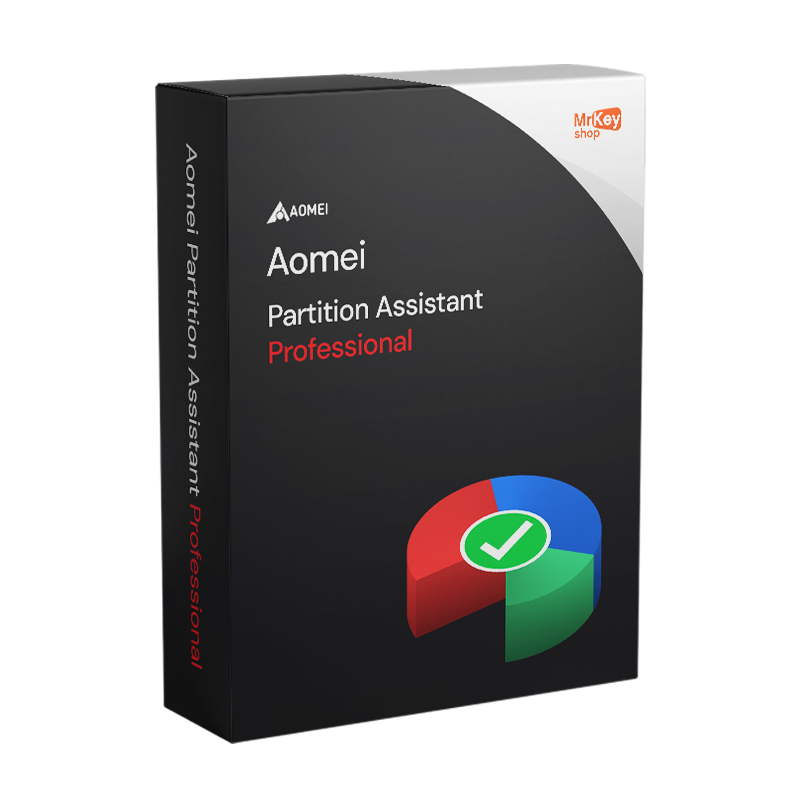
Buying AOMEI Partition Assistant Professional means choosing a disk management tool designed for advanced users, technicians and small businesses working on Windows PCs who need to manage disk space precisely and securely, without risking data loss. Unlike the partition management solutions included with Windows, AOMEI Partition Assistant Professional offers operations that the native operating system does not allow: moving system partitions, resizing without restarting, creating bootable WinPE media, Windows to Go on USB and checking for bad sectors – all via a simple graphical interface or via the command line for automating technical tasks.
The AOMEI Partition Assistant Professional product key purchased from Mr Key Shop is genuine, can be activated directly on the official AOMEI portal, and provides access to all the features of the Professional edition on a single PC, with updates included for the duration of the licence.
|
Features |
Details |
|
Partition management |
Create, resize, move, merge, split, format and delete MBR and GPT partitions |
|
MBR/GPT Conversion |
Convert the disc between the two partition schemes without data loss |
|
OS Migration |
Transfer the operating system to an SSD or HDD without reinstallation |
|
Disk cloning |
Clone an entire disk or a single partition to another medium |
|
Windows to Go |
Create a bootable, portable Windows system on a USB drive |
|
Bootable WinPE media |
Create a bootable USB drive for offline operations on system partitions |
|
Bad sector check |
Checks for and identifies bad sectors on HDDs and SSDs |
|
Secure deletion |
Multiple overwriting for permanent deletion of files or partitions |
|
CLI interface |
Command-line operations for automation and scripting |
|
Operation preview |
Shows the effect of each operation before applying it |
|
System compatibility |
Windows 11, 10, 8.1, 8, 7, XP, Vista — 32 and 64-bit |
|
Disk support |
HDD, SSD, NVMe, USB, SD cards, hardware RAID |
The ease of purchasing a genuine licence is one of the things that sets Mr Key Shop apart: authentic product key, delivery by email, free technical support in Italian from purchase through to activation. Payments are processed via a secure SSL checkout: PayPal (payable in 3 interest-free instalments), Stripe, Amazon Pay, Apple Pay, Google Pay, and credit and debit cards. For those using AOMEI Partition Assistant Professional on Windows 11 systems, the Windows 11 Pro licence guarantees Secure Boot and TPM 2.0 as a stable foundation on which to operate. Those who maintain workstations running Windows 10 will find that the Windows 10 Pro product key a long-lasting platform that is fully compatible with AOMEI PA Professional. For the productivity of the workstations being worked on, the Office 2024 Professional Plus licence covers the entire suite with a perpetual licence. Those who combine disk management with cloud-based document management can add the Microsoft 365 Business Standard subscription with Teams and SharePoint. To protect privacy during remote work on unsecure networks,NordVPN encrypts traffic on all team devices. To back up machines before carrying out critical operations on partitions,AOMEI Backupper Workstation rounds off the toolkit with snapshots and quick recovery. For managing and converting technical documentation to PDF,Swifdoo PDF covers annotation, conversion and digital signatures on Windows. Professionals who combine disk management with CAD projects will find that AutoCAD LT Commercial the ideal complementary 2D technical drawing platform. No logistics, no packaging: activate your licence within minutes of receiving it by email.
Windows Operating Systems: Windows 11 - Windows 10 - Windows 8 - Windows 7
Microsoft Office packages: Office 2024 - Office 2021 - Office 2019 - Office 2016 - Office 2013 - Office 2010 - Office for MAC - Microsoft 365 - Office App - Visual Studio - Project - Access - Visio - Outlook - Word - Excel - PowerPoint
Antivirus: Kaspersky - ESET - McAfee - Avast -Bitdefender - Norton - AVG - Acronis - Surfshark- IObit - Watchdog - Panda - Server Antivirus
VPN: HMA VPN - NordVPN - Surfshark - Cyberghost
Microsoft Server: Server 2025 - Server 2022 - Server 2019 - Server 2016 - Server 2012 - Storage Server 2016 - Storage Server 2012 - Server CAL - RDS CAL Server - SQL Server
Utilities: PDF converters - Disk Cleanup - Data Management - Screen Recorder - Invoicing Software - Backup Software - Data Recovery - Disk Partitioning - Deployment - 3D Modeling - Remote Desktop - Editing -Video Converter - Virtualization - Graphics
CAD: Autodesk - ZWSOFT – Rhino 3D - Ashampoo
Bundle: Software for Creators - Software for Gamers - Software for the Family - Software for Smart Working - Software Bundle for SMEs & Startups - Software bundle for students
Take your business to the next level with a solid and recognized partner in the original software licensing industry. With Mr Key Shop, you get access to exclusive price lists for resellers, special terms, and free professional support for you and your customers.
What's more, with MrKeyWallet, you can get extra credits on every top-up and further increase your margins: the more you invest, the more you earn. A system designed for those who really want to scale up.
Join the MKreseller programnow and discover all the benefits reserved for partners.
|
Requirement |
Details |
|
Operating system |
Windows 11, 10, 8.1, 8, 7, XP, Vista (32-bit and 64-bit) |
|
CPU |
x86 or x64 compatible |
|
RAM |
512 MB minimum (1 GB or more recommended) |
|
Disk space |
100 MB for installation |
|
Internet connection |
Licence activation required |
|
Supported storage devices |
HDD, SSD, NVMe, USB, SD cards, hardware RAID |
|
Supported file systems |
NTFS, FAT16, FAT32, exFAT, Ext2/3/4 |
AOMEI Partition Assistant Professional can be downloaded directly from the downloads section of the official portal at aomei.com, or via the link included in the confirmation email received from Mr Key Shop. The installation file is compatible with both 32-bit and 64-bit architectures and does not require any specific hardware other than that already present on the target Windows system. Before proceeding, check that your PC meets the minimum requirements listed in the System Requirements tab.
Run the downloaded file and follow the wizard: the installation of AOMEI Partition Assistant Professional is completed in a few minutes without any complex technical configuration. Once finished, the software launches, displaying a visual map of all the discs and partitions detected on the system. Before performing any operations on critical or system partitions, it is advisable to create a bootable WinPE medium using the dedicated function in the Tools menu: this requires a blank USB stick or CD/DVD and allows you to work on system partitions even outside the Windows environment. If your aim is to create a Windows To Go on a USB stick, the function can be accessed directly from the main screen in the Windows To Go Creator section.
When you first launch the software, select the registration or activation option from the main menu and enter the product key you received via email from Mr Key Shop. Activation requires an internet connection to verify the code online: once validation is complete, all features of the Professional edition are unlocked immediately, including CLI, Windows to Go, bad sector check and secure erasure. Keep the product key in a safe place: you will need it if you reinstall the software or replace the PC covered by the licence.
|
Feature |
Standard (Free) |
Professional |
Server |
Technician |
|
Usage |
Personal, non-commercial |
Commercial, 1 PC |
Commercial, 1 server |
Commercial, unlimited PCs and servers |
|
Windows to Go |
No |
Yes |
No |
Yes |
|
CLI |
No |
Yes |
Yes |
Yes |
|
Bad sector check |
No |
Yes |
Yes |
Yes |
|
Secure deletion |
No |
Yes |
Yes |
Yes |
|
Windows Server |
No |
No |
Yes |
Yes |
|
Technical support |
Community |
|
|
Priority email |


 $116.16
$266.44
$116.16
$266.44
 $317.60
$319.73
$317.60
$319.73
 $95.91
$106.57
$95.91
$106.57
 $117.23
$515.84
$117.23
$515.84


 Chat with us
 Ita
Ita
 Eng
Eng
 Deu
Deu
 Esp
Esp
 Fra
Fra